
Podcast Scheduling Software: 10 Tools Compared for 2026

You inherited the show on Monday. By Wednesday a guest has "confirmed" Thursday at 2, except that 2 is their time zone, the studio is already holding a client session, and the editor was never told the recording moved. The episode slips a week. The promo posts queued against the old date now point at nothing.
Podcast scheduling software is supposed to stop that slide. It usually doesn't, because the phrase covers three different jobs. One tool books the guest. Another sets the publish date. A third reserves the room, the host, and the remote link. Buying one app and expecting it to do all three is how calendars and inboxes drift apart again.
Cadence makes the mismatch worse. Among 256,635 shows that selected a release frequency in Apple Podcasts Connect, biweekly was the most common choice, about 29.3% of selections, while daily was about 6.1%, in an Inside Radio analysis of 1,896,631 listed podcasts. Apple's "biweekly" label can mean every two weeks or twice a week, so the declared schedule still needs a human check. A weekly template will not fit a fortnightly brand show.
Match each tool below to the job it finishes. If the episode shape is still fuzzy, compare podcast script template resources so the slot you book matches the runtime you can edit.
Table of Contents
1. show.fm
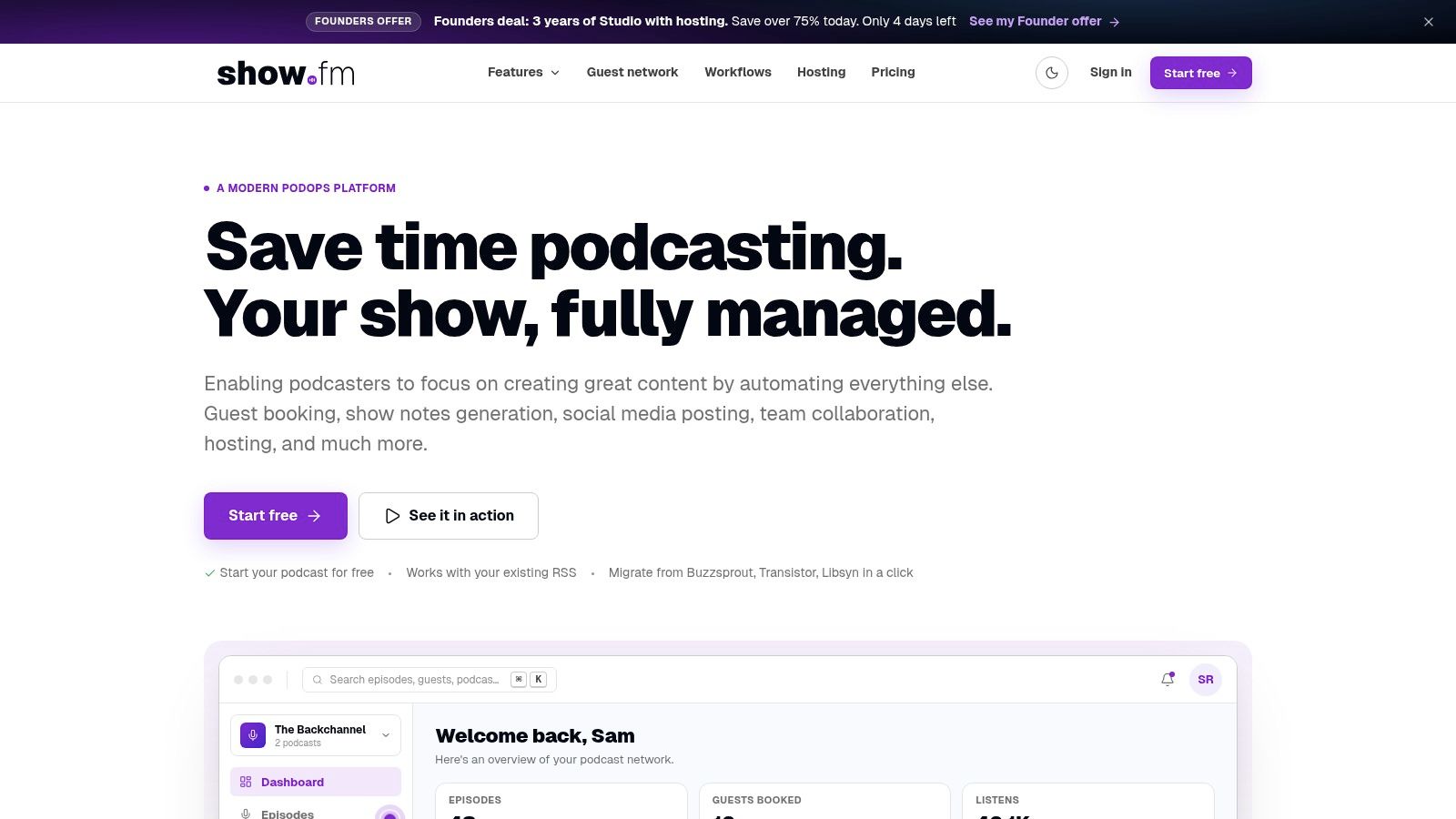
show.fm is the guest-booking job with episode admin attached. Studios and agencies running several shows use it when the pain isn't "find a free hour" but "keep the guest, the brief, and the follow-up in one place."
Booking pages carry availability rules and calendar sync. Automated emails and workflow rules fire after a guest picks a time. Guest records and episode records sit together, with AI-assisted research and post-recording tools if you want them. Plans aim at solo hosts, studios, and production houses, and a free tier lets you try the booking flow before you pay.
Use it when: producers juggle many guests and need the same intake every time.
Skip it when: the host only wants a link in an email signature.
Practical rule: If your only gap is a public booking link, a lighter scheduler is easier to explain to guests than a full operations workspace.
Monthly plans cap episodes, seats, or booking links by tier. show.fm is also newer than the long-running hosts, so don't treat it as your RSS home. Pair it with a publisher on show.fm.
2. Captivate
Interview shows that already need a host often land on Captivate, because the booking link lives in the same account as the feed.
You share a public link, set when you're free, and collect the bio and social links that later drop into show notes. Distribution and analytics stay in that dashboard. Booking comes with the hosting plans, so you aren't buying a second subscription just to end the "what times work" thread.
The limit is sharp. Captivate will not run your edit queue, your legal review, or your YouTube cutdowns. Hosting plans are download-tiered, so a show that suddenly ships long companions can outgrow the tier you chose for scheduling. If you only needed a calendar and you already host elsewhere, you're paying for a feed you may not move.
I would keep Captivate when the show is mostly interviews and one team owns both booking and publish. Split it off if a separate studio books the room. The account lives at Captivate.
3. Podcast Origin
A double-booked studio is a logistics failure. Guests can pick their times correctly and the session still collapses if nobody blocked the room. Podcast Origin is built for that layer.
It schedules sessions, syncs with Google Calendar, and tracks an episode from booking through publication. Staff, hosts, guests, and studio records live in the same app, so the person holding the room sees the same record as the person holding the guest list. Remote sessions include a teleprompter and multitrack capture, which matters when the "room" is a link plus a local recorder.
A booking page that cannot see the room will confirm a guest into a slot your engineer already gave away.
Cost is handled as a vendor conversation rather than a self-serve checkout, so ask for a quote before you plan a budget. A solo host who only needs guests to pick a time will find the studio model heavy. Remote-only teams that never touch a physical room can skip the location layer. For a brand with an in-person shoot one week and a remote exec the next, this handles the session side while your host or publishing tool handles the feed. Start with Podcast Origin.
4. Calendly
Calendly stops at the appointment. That's the point, and it's also the ceiling.
Guests open a page, see open times, and book without making an account. You set length, buffers, and which calendars block time. Conflict checks and time-zone detection are what prevent the Thursday-at-2 mistake. Confirmations, reminders, cancels, and reschedules run without your producer pasting a new link. Team scheduling sits on paid plans.
A 2024 survey of more than 1,300 professionals found workers spend approximately 3.0 hours per week managing meetings, including finding times and rescheduling, according to Arcade. A clean booking page is how you claw some of that back. It doesn't store episode status, release forms, or show-note fields.
The free plan is one event type and one connected calendar. That's fine for a single host interview. It breaks when you also book pre-interviews, client reviews, and a second show. Read how to book podcast interviews that support the brand before you send the link, then keep production status somewhere else. The page itself is Calendly.
5. Acuity Scheduling
Acuity Scheduling is the form-heavy cousin of a plain booking link.
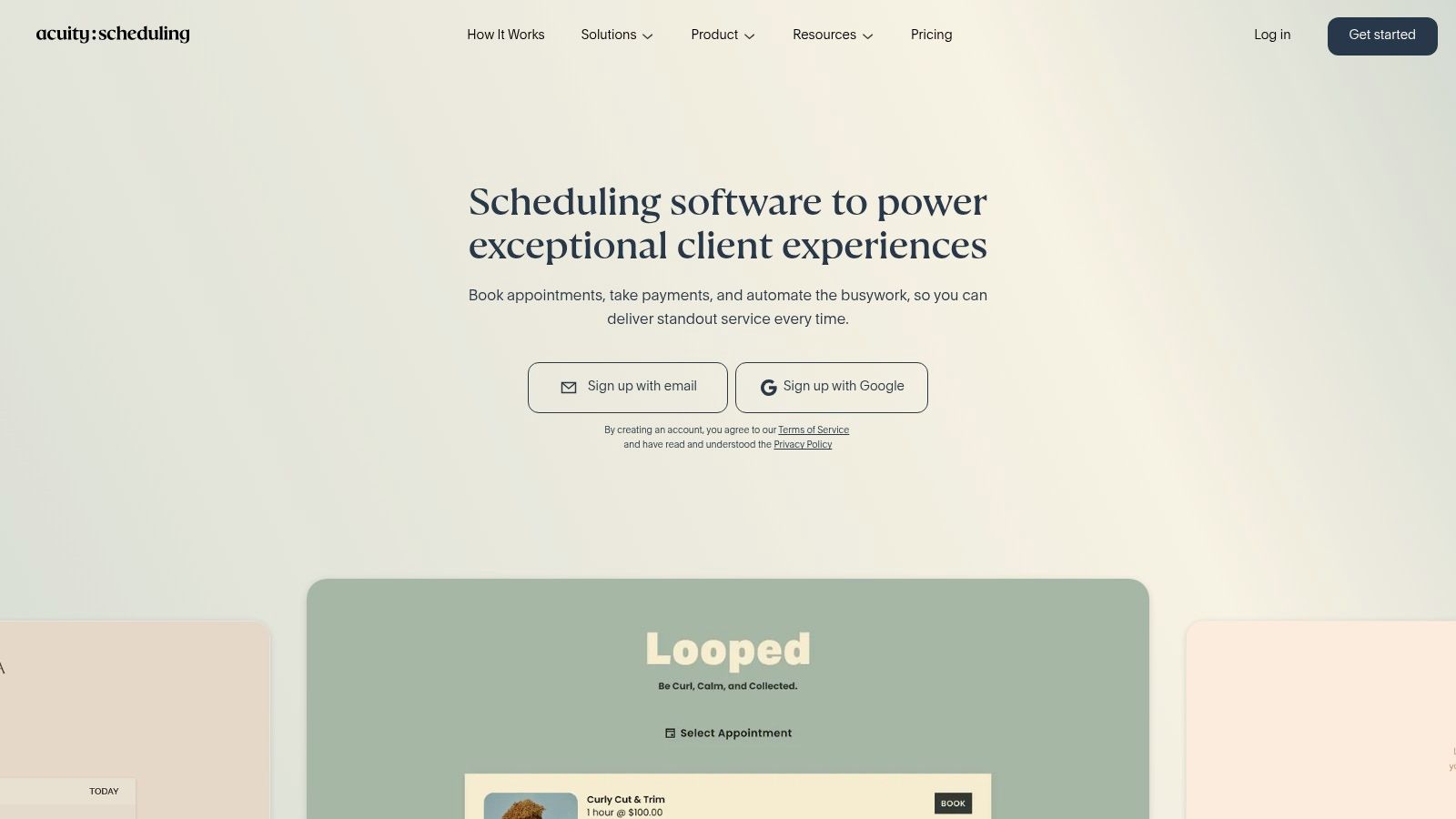
Custom intake can ask for the guest's title, the claim you may quote, consent, and whether they can do video. Time zones convert on their own. Confirmations and email reminders go out without a producer in the thread. Higher tiers add multiple calendars, so one can be the host, another the producer, another the studio bay. Payments are there if you sell studio time or a paid consult, which most editorial interviews shouldn't need.
In a 2025 survey of 1,733 working professionals, 42% of businesses reported using appointment-scheduling software, and 44% said automation improved after adopting it, per Zoho Bookings. That's business scheduling, not a podcast benchmark. It still explains why intake plus reminders beats another email chain.
Keep it if you book interviews and other appointments on the same brand calendar.
Leave episode tracking out of it. Edit status and publish dates belong in the host or a project board.
Check the tier before you promise a second calendar. Multiple calendars sit on a higher plan.
It can be more product than an interview-only show needs. Configure it at Acuity Scheduling.
6. RSS.com
Release timing is a different product from guest booking. RSS.com is a host that lets you set a future publish time, then pushes the RSS feed, a show site, and directory distribution.
The listed free plan includes episode scheduling, which is the right test for a new branded show that isn't ready to pay for seats. Paid tiers add team access, monetization, transcripts, and video-related tools. Analytics and sharing tools sit next to the scheduled episode.
The publish date is a promise to the audience. The record date is a promise to the guest. They aren't the same promise.
What it won't do is hold your guest pipeline or your room grid. If marketing wants a Tuesday drop and production is still cutting on Monday night, the scheduler only helps after the file is ready to queue.
Schedule the release here once the master is approved.
Book the guest elsewhere, then paste the agreed date into the episode record.
Read the video limits on the tier you intend to stay on before you promise a same-morning YouTube version.
Plan caps are real. Check them against episode length and how often you ship on RSS.com.
7. Buzzsprout
Buzzsprout is the plain version of that same release job.
Upload the episode, set a future publish time, and the date shows in the episode list. You can move it or unpublish later. Hosting and directory distribution come with it. A free plan covers limited uploads. Paid plans cover ongoing publishing. The Archive plan can keep existing episodes online if you pause new ones, which helps when a brand show goes quiet between campaigns.
Forty percent of podcasts published episodes every 8 to 14 days in 2024, the most common cadence in Buzzsprout's data, as reported by Content Allies. A date you can see in the list is what keeps a fortnightly promise from becoming "whenever the edit lands."
It doesn't book guests or map a production calendar. Upload-hour allowances and overage fees matter if episodes run long or you ship often. Scheduling only works inside its upload flow, so a file sitting in Drive isn't scheduled. Compare podcast distribution platforms if the feed, not the calendar, is the open question. The host is Buzzsprout.
8. Simplecast
Professional networks look at Simplecast when the publish time has to line up with an ad flight, not just a social post.
You schedule an audio episode for a date and time, distribute by RSS, and add team seats and analytics on the plan that includes them. Higher tiers add dynamic ad insertion, campaign management, and reporting. Video publishing is available for eligible customers, not on every tier.
That video gap isn't cosmetic. An SSRS writeup of Edison Research findings reports that 73% of Americans aged 12 and older have consumed a podcast in audio or video form, and 52% consider YouTube-only discussion videos to be podcasts. A calendar that only knows the RSS date will miss thumbnails, captions, and short-form deadlines.
Simplecast costs more than a free host or a bare calendar. Enterprise ad tools aren't the starter tier. Use it when publishing and measurement share an owner. Don't use it to reserve the studio. See Simplecast.
9. Libsyn
Libsyn is the long-running host for teams that want scheduling, analytics, and monetization in one publishing account.
Listed plans include audio and video hosting. You schedule the episode and send it to directories. IAB-certified analytics and monetization tools are part of the offer. A social calendar and YouTube distribution show up on the tiers that include them, not on every plan. A 30-day trial is enough to see whether producers will queue episodes instead of uploading the morning of.
Monthly audio allowances change by plan, so a weekly hour-long show and a monthly short show aren't the same bill. Libsyn won't replace a guest-booking page or a production calendar. Treat social scheduling inside the host as a convenience, not your full campaign calendar. If paid promotion needs its own flight dates, keep those in the media plan. Try the queue at Libsyn.
10. Spotify for Creators
If the show is already hosted on Spotify, Spotify for Creators is the release switch you already have.
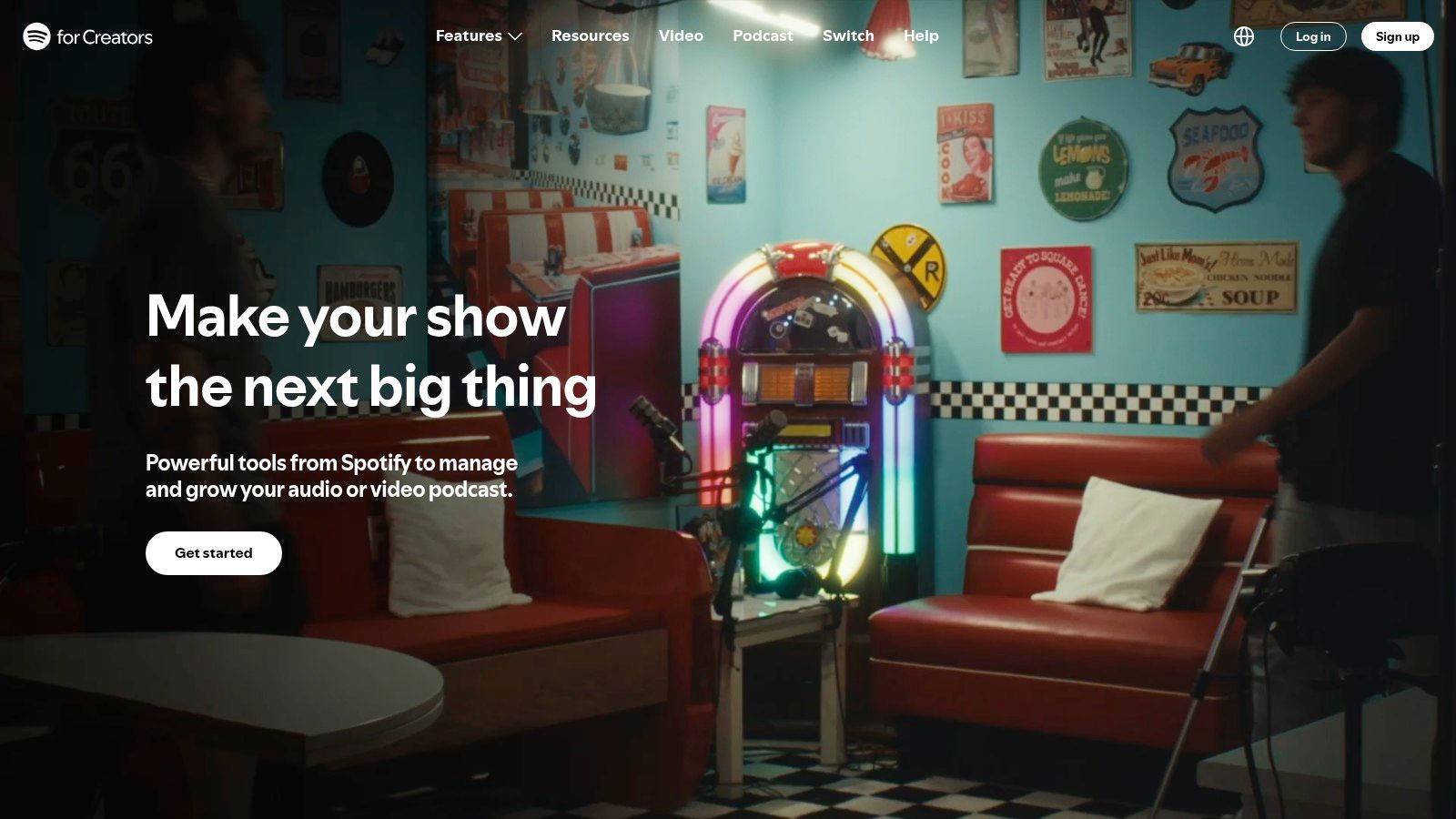
Eligible hosted shows can sit as drafts and go live on a future date. Core hosting, distribution options, analytics, and creator tools are free. Audio and video support exist, but what you can schedule depends on the workflow Spotify exposes for that show.
The hard stop is scope. This isn't a universal calendar for a show hosted on Captivate, Buzzsprout, or Libsyn. It also doesn't book guests or track edit stages. Before you promise partners a Spotify-only premiere, read Spotify podcast distribution and verify that the show is hosted there. Then check video requirements against the format marketing sold internally. The creator home is Spotify for Creators.
How the 10 Tools Differ on Free Access, Scheduling Focus, Guest Booking, and Best Fit
Item | Free Plan | Core Focus | Guest Booking | Best Fit |
|---|---|---|---|---|
show.fm | Free tier available | Podcast operations and episode workflows | Yes, with booking pages and calendar sync | Studios, agencies, and producers managing multiple shows |
Captivate | No free plan stated | Podcast hosting, analytics, and interview management | Yes, included with hosting plans | Interview shows wanting booking and hosting together |
Podcast Origin | No free plan stated; pricing not stated | Studio scheduling and episode production | Yes, for sessions and studio bookings | Teams coordinating studios, staff, hosts, and recording sessions |
Calendly | Yes, limited to one event type and one calendar | General-purpose scheduling | Yes, via booking pages | Hosts needing a simple interview scheduling flow |
Acuity Scheduling | No free plan stated | General appointment and studio-session booking | Yes, with custom intake forms | Shows needing flexible forms, calendars, or appointment payments |
RSS.com | Yes, includes episode scheduling | Podcast hosting, distribution, and release scheduling | Not a core feature | New shows seeking free hosting and scheduled releases |
Buzzsprout | Yes, with limited uploads | Podcast hosting and episode release scheduling | Not included | Independent shows needing simple publishing schedules |
Simplecast | No free plan stated | Podcast hosting, publishing, and advertising operations | Not included | Professional shows and networks managing publishing and ads |
Libsyn | 30-day trial available | Podcast hosting, distribution, analytics, and monetization | Not included | Established shows needing hosting and monetization tools |
Spotify for Creators | Yes, core tools are free | Podcast hosting, distribution, and publishing | Not included | Creators publishing shows hosted with Spotify |
Building a Scheduling Stack That Matches Your Show
Pick three lanes, and refuse a fourth "all-in-one" until those three connect.
Guest booking is Calendly or Acuity when the only output you need is a confirmed time, intake answers, and a reminder. Move to show.fm or Captivate when guest details have to land in the episode record. Release timing is RSS.com, Buzzsprout, Simplecast, Libsyn, or Spotify for Creators, and only one of them should own the feed. Studio and session logistics is Podcast Origin, or a shared calendar with real room names if you stay lighter.
Before you sign annual plans, run one episode on paper.
Guest hold: a slot with the right time zone and a buffer before the next session.
Production tasks: prep, record, edit, approval, and clips, each with a named owner.
Publish date: entered only after approval, not when the guest first said yes.
If a task has no owner, the software won't invent one.
Connect them on purpose. The booking tool should write to the same calendar the studio checks. The publish tool shouldn't be a second source of truth for when you record. Export the guest email into your CRM if sales expects attribution. A short trial on the host, plus a free booking page, is enough to see the reschedule rate and how many producer touches one guest still takes.
Brands without a producer in house usually bolt this stack to an agency rather than hiring three specialists. At Podmuse, we combine production, guest booking, and distribution in one engagement, and we record remote episodes in Riverside when the guest can't come to a room. A show can typically launch within a month, depending on scope, covering planning, setup, recording, editing, and distribution. For video, booking the guest is part of that production, not a side task you hand back to marketing.
Scheduling the recording isn't the same as scheduling the campaign around it. Cumulus Media's 2025 AudioScape, covered by Westwood One, notes that even buying ads in the top 500 podcasts can miss one-quarter of the weekly podcast audience, and that 41% of industry professionals say podcast impact can be measured effectively when appropriate tools and attribution models are available. Leave space after publish before you judge the flight. If social posts need their own queue, look at choosing an AI social scheduling tool only after the episode date is real.
Bring the cadence you promised leadership to a working session, not a blank brief. We'll map booking, production, and distribution against that date before the next guest email goes out.
Podmuse handles the scheduling jobs this stack splits apart, from guest booking and time zones to recording, editing, and distribution on the major platforms. If your team inherited a show and the calendar is already slipping, we can map a production and booking setup around the cadence you need. Visit Podmuse to book a free consultation and sort the stack before the next guest email goes out.


Comments