
10 Best Video Podcast Hosting Platforms Compared (2026)

Your team records a great-looking episode, approves the edit, and uploads it to the podcast host. Then someone checks the apps. Spotify has video, YouTube has nothing, and half the RSS destinations have fallen back to audio. The episode is ready, but the publishing job isn't finished.
Hosting is where video podcasts get complicated. You're not just choosing somewhere to store a file. You're choosing how that file reaches different destinations, whether the host generates an audio version, and which publishing steps somebody on your team still owns.
The audience makes those distinctions worth resolving. In its 2025 Infinite Dial study, Edison Research found that 51% of Americans aged 12 and older had watched a podcast at least once. That's a reason to plan video delivery deliberately, not assume an audio distribution setup will handle it.
The best video podcast hosting platforms differ in more consequential ways than dashboard design. Some distribute native video to supported apps. Others keep video inside their own ecosystem, prioritize your website, or combine production and hosting while leaving destination-specific uploads to you.
Use the guide to choosing a podcast host for broader hosting considerations. For video, start with the practical question behind every recommendation below: Which destinations receive the actual video, which receive audio, and which require another workflow?
Table of Contents
7. Castos - WordPress convenience doesn't remove platform boundaries
9. Riverside - Production consolidation isn't universal delivery
10. Wistia - Prioritize the website, then verify syndication
Choosing a Host Is a Routing Decision, Not a Feature Contest - Test a release before moving the show - Measure the episode without flattening the formats
1. Podbean
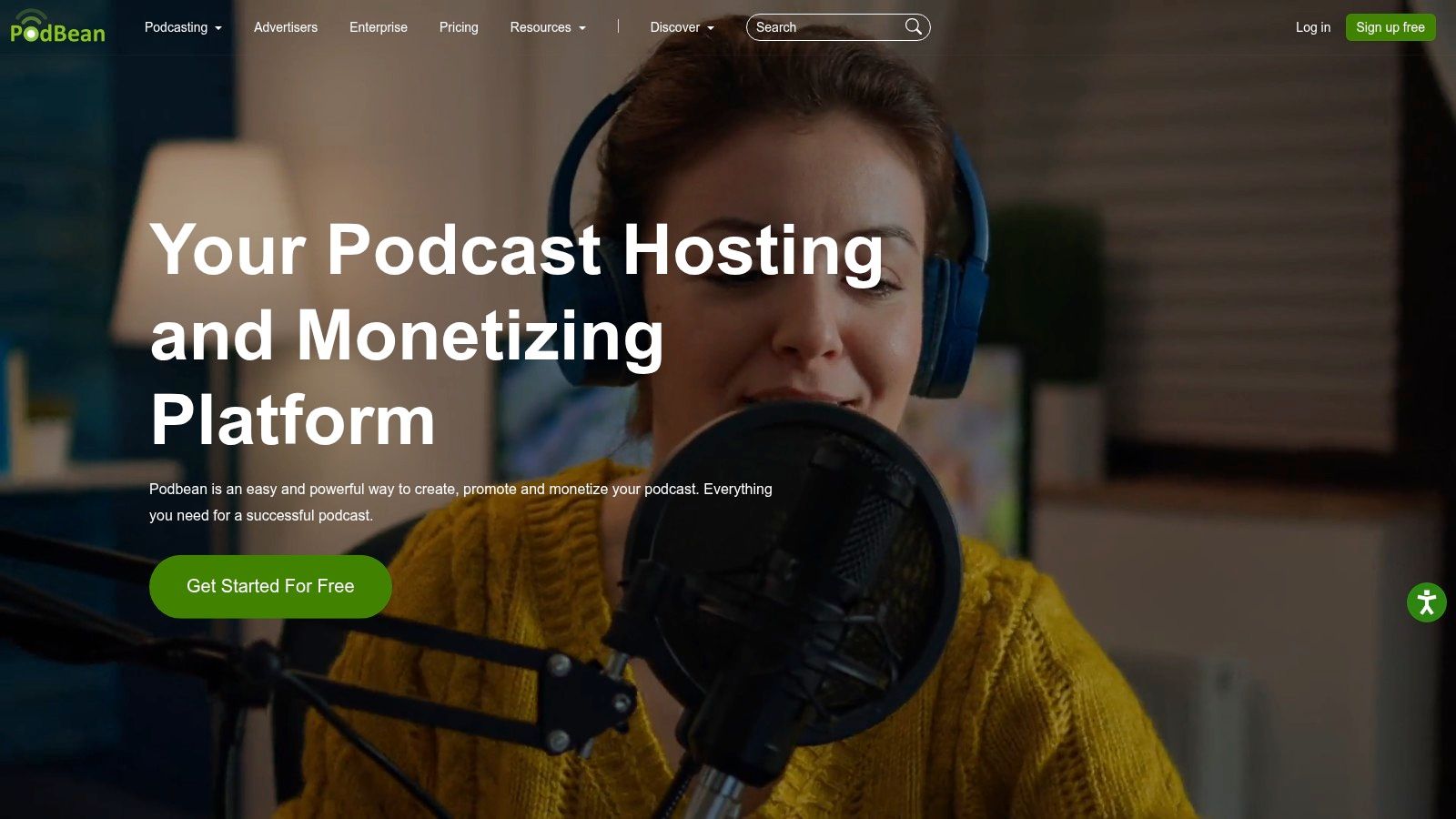
Running a feed, an embeddable website player, listener support, and monetization across separate tools is what pushes small teams toward Podbean. It hosts audio and video inside the same service, with a podcast website, analytics, and monetization built in, so it works as a broader publishing option than a standalone video library.
The trade-off is consolidation over specialization. Higher-tier plans add team, network, and private-podcast capabilities, which gives a growing operation room without a platform migration. What you give up is a video pipeline purpose-built around camera footage.
Where the video travels
Treat Podbean's video hosting and its directory distribution as related but distinct capabilities. A directory listing doesn't confirm that the destination receives native video, so confirm delivery to Spotify, YouTube, and Apple Podcasts individually before assuming each gets the file you edited.
Run that check with a finished episode, not a test clip, because upload allowances and destination behavior are easier to judge against real length and file size. The podcast distribution platforms guide helps separate the hosting layer from the apps where audiences actually watch.
What works: Managing audio, video, website playback, and monetization within a podcast-focused service.
What needs attention: Video upload allowances, especially for frequent releases and long recordings.
What to verify: Whether each integration sends the full video, an audio version, or a generated visual version.
Podbean earns its place when a broad operating toolkit matters more than a documented video route to every channel. If guaranteed native video to each priority destination is the buying requirement, that confirmation step comes before choosing the plan, not after uploading the back catalog.
2. Libsyn
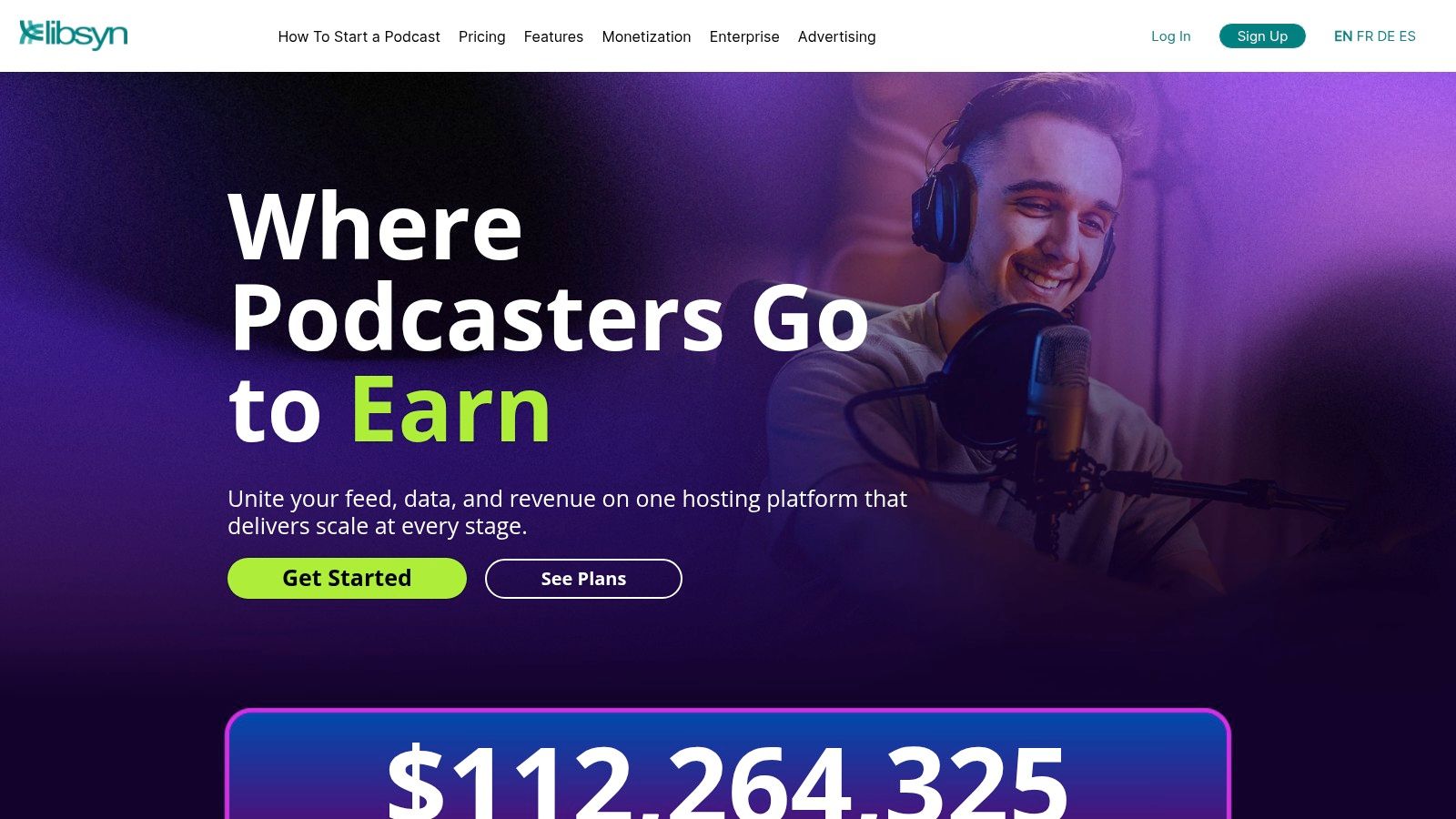
Commercially oriented shows should consider Libsyn when podcast management and advertising operations matter alongside video hosting. Its offering spans audio and video publishing, distribution, and advertising services, including host-read and dynamically inserted campaigns.
The useful distinction is between having an advertising business around your show and distributing the same visual episode everywhere. Libsyn can support the former without making every destination in the latter identical. Its stated Spotify video-publishing route is valuable, but it shouldn't be interpreted as proof that every podcast directory receives video.
Evaluate the publishing route separately
For a branded interview show, build the episode in Libsyn and verify Spotify playback as a specific publishing task. Then establish how YouTube and Apple Podcasts receive their versions, rather than relying on a general distribution label.
Practical rule: An integration that creates a video from audio and artwork isn't equivalent to an integration that uploads your edited camera footage.
Libsyn's advertising services are a reason to shortlist it, particularly when sponsorship operations already shape the show. Keep ad delivery questions separate from video delivery questions: an audio campaign configuration doesn't automatically describe what viewers will see on a video platform.
The main trade-off is planning complexity. Compare plan allowances against your actual exported video files, and establish which reporting remains inside destination dashboards. Choose Libsyn for a podcast-centered commercial workflow, provided its current video routes match your channel plan, not because it supports both media types.
3. Buzzsprout
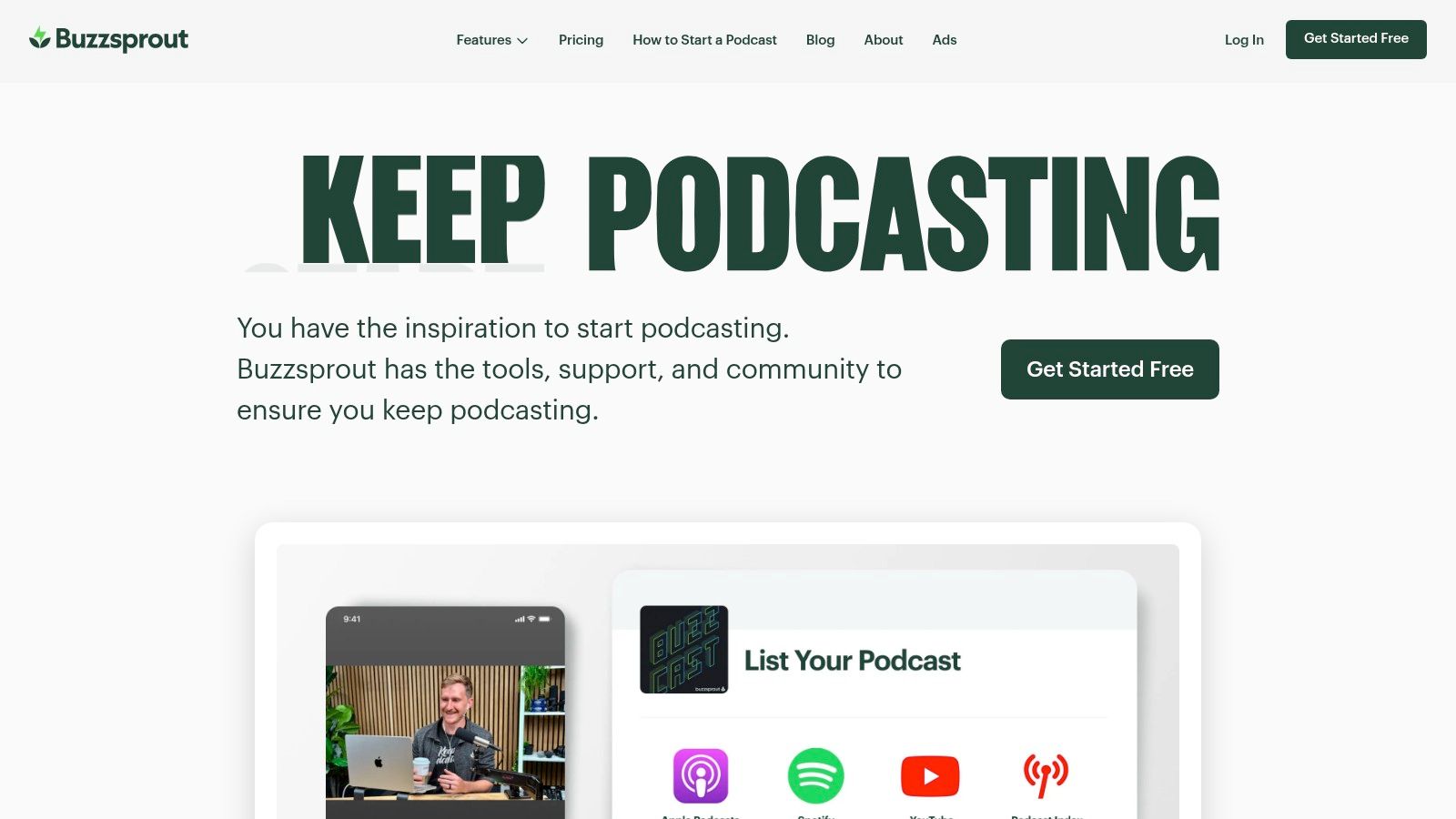
A lean marketing team doesn't necessarily need a media-management system. It needs a publishing process that a producer can follow without repeatedly reopening technical documentation. That's the case for considering Buzzsprout, which emphasizes guided podcast publishing.
Buzzsprout promotes video publishing to Apple Podcasts, Spotify, and YouTube, with audio versions going to other podcast apps and directories. That destination split is the right model for a team that wants broad reach without pretending every app supports the same experience.
Video destinations: Validate Apple Podcasts, Spotify, and YouTube availability in the account and plan you will use.
Audio destinations: Confirm that the derived audio episode reaches the remaining directories with the correct title, artwork, and description.
Owned playback: Use the podcast website and embeddable player where they fit your existing content hub.
Favor simplicity, but test the edges
Buzzsprout is attractive when straightforward publishing matters more than deep custom controls. A smaller team can benefit from a guided interface without assigning someone to maintain a complicated publishing stack.
The caveat is current destination availability and plan eligibility. Don't build a launch schedule around promotional wording alone. Publish a test episode and verify native video playback, scheduling behavior, and the audio fallback before announcing the show.
For enterprise approvals, specialized permissions, or heavily customized publishing operations, compare alternatives carefully. Buzzsprout's strongest fit is a team that wants a clear, repeatable process, not a team trying to turn its podcast host into a bespoke video operations platform.
4. RSS.com
RSS.com makes its video proposition comparatively easy to identify: Max is the relevant tier for video podcasting. Its stated workflow combines video hosting with delivery to Apple Podcasts and supported video-capable apps, plus automatic YouTube publishing.
That makes it a useful candidate for teams that want to manage video as part of podcast publishing rather than maintain a separate video host. RSS feeds, analytics, team access, and podcast websites remain part of the broader workflow.
A useful route with a Spotify caveat
The practical appeal is uploading the video into a podcast system and reducing separate publishing steps for Apple Podcasts and YouTube. But Spotify may still require a separate workflow. That distinction matters if Spotify is central to your launch plan rather than a secondary destination.
Best fit: Publishers prioritizing Apple Podcasts, YouTube, and compatible video podcast apps.
Operational advantage: Video publishing and podcast administration can share a workflow.
Main limitation: Supported video destinations don't mean universal native-video distribution.
RSS.com also offers video ad revenue sharing on Max. Evaluate the current terms separately from the hosting decision, including eligibility, revenue treatment, and where the monetized playback occurs. Revenue tools are useful only when they fit your audience and commercial model.
For a network, test the account structure as well as the episode route. Producers need to know which show they're editing, which channel is connected, and where reporting belongs. RSS.com is worth shortlisting when its supported routes remove meaningful manual work, while leaving the Spotify exception visible in the release process.
5. Transistor
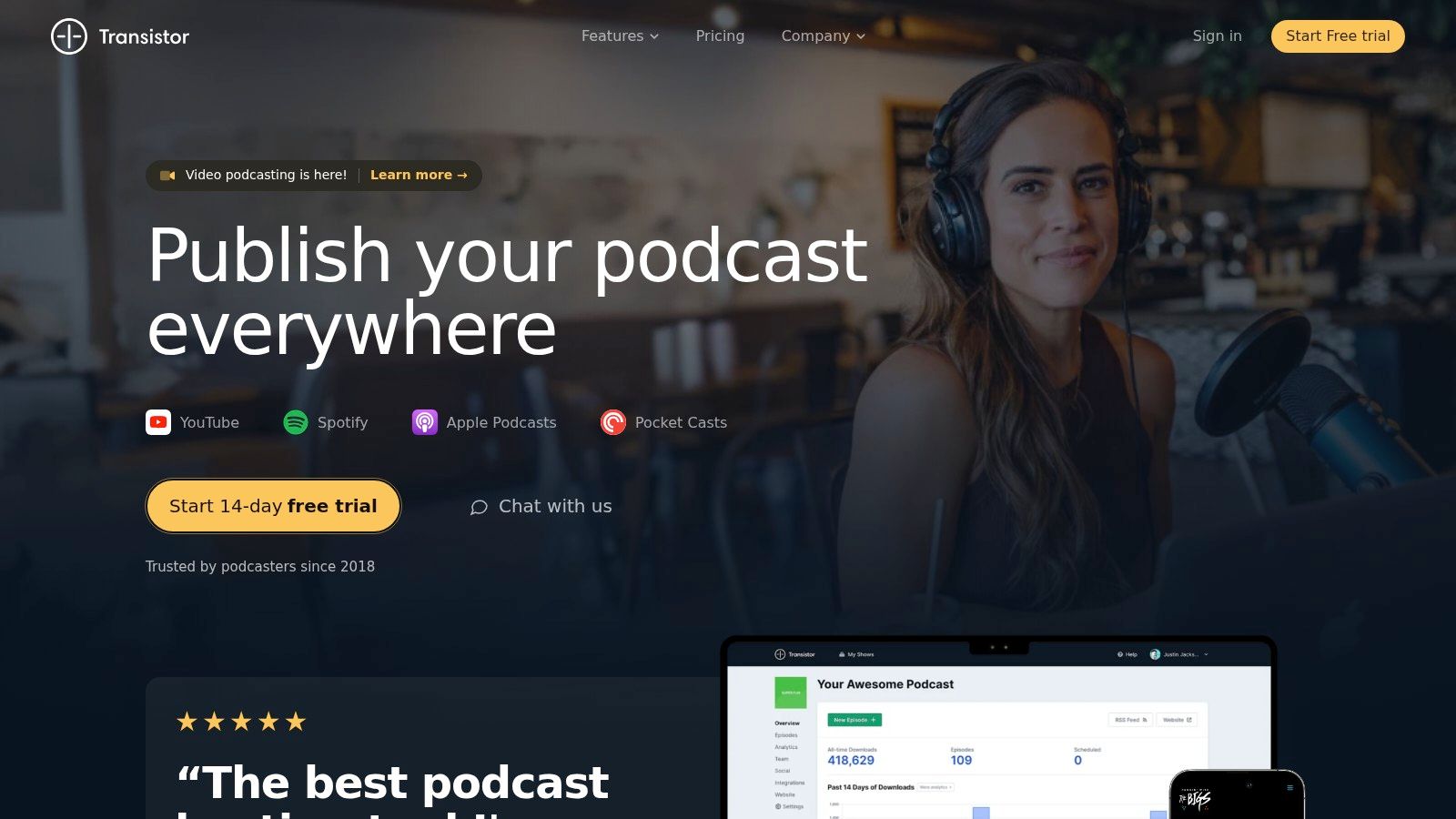
For businesses managing several shows, Transistor offers an appealing organizing principle: manage the portfolio without treating every podcast as a separate operating system. Its video workflow is available on Professional and higher plans.
The described routing is specific. Video can go to YouTube and Apple Podcasts, with HLS video included in RSS for compatible apps. Destinations that support audio only receive audio, allowing the episode to retain reach beyond video-capable services.
Clear boundaries help producers
Transistor's limitations are particularly relevant to business buyers. Spotify video isn't included in the described workflow, and video isn't supported for private or unlisted podcasts. The broader service's private-podcasting capabilities shouldn't be mistaken for private video hosting.
Buy against the destinations available in your account today. A forthcoming integration isn't a completed publishing route.
That makes Transistor a strong candidate for public, multi-show publishing where Apple Podcasts and YouTube are priorities. It isn't the same recommendation for an internal video briefing series or a Spotify-first show.
During evaluation, test the shared audio-and-video episode workflow with your normal release assets. Confirm how titles, descriptions, thumbnails, and corrections reach each destination, and assign a separate owner for Spotify if needed.
The benefit is a coherent podcast-management environment with explicit format boundaries. The trade-off is accepting those boundaries rather than trying to work around them invisibly. Transistor fits organized publishing teams that can tolerate a documented exception, not teams requiring every video destination or access model from the same workflow.
6. Spotify for Creators
Spotify-native video is not cross-platform video distribution. That's the central buying distinction for Spotify for Creators, a free hosting and publishing option for creators who want video playback inside Spotify.
The platform is a meaningful video destination. Spotify's video-podcast announcement reported that more than 170 million users had watched a video podcast on Spotify by June 2024. That supports treating Spotify as a deliberate publishing channel, not assuming it can replace all the others.
What leaves Spotify
Video uploaded through Spotify for Creators plays natively on Spotify. Other listening platforms receive audio through RSS, not the same video file. YouTube and other video destinations therefore need their own publishing routes.
Good use case: Testing a Spotify-first video show without purchasing a separate video-hosting plan.
Useful flexibility: Managing a show containing both audio and video episodes.
Commercial caveat: Monetization access depends on eligibility, not uploading video alone.
The guide to video podcasts on Spotify provides additional context for planning that destination-specific workflow.
For an established branded show, Spotify for Creators can function as the Spotify video endpoint while another system remains the audio host. Keep episode naming, release timing, and reporting aligned so the extra workflow doesn't create an unmanaged duplicate process.
Choose it because you want Spotify's native experience. Don't choose it expecting its RSS feed to carry your video production to every other platform.
7. Castos
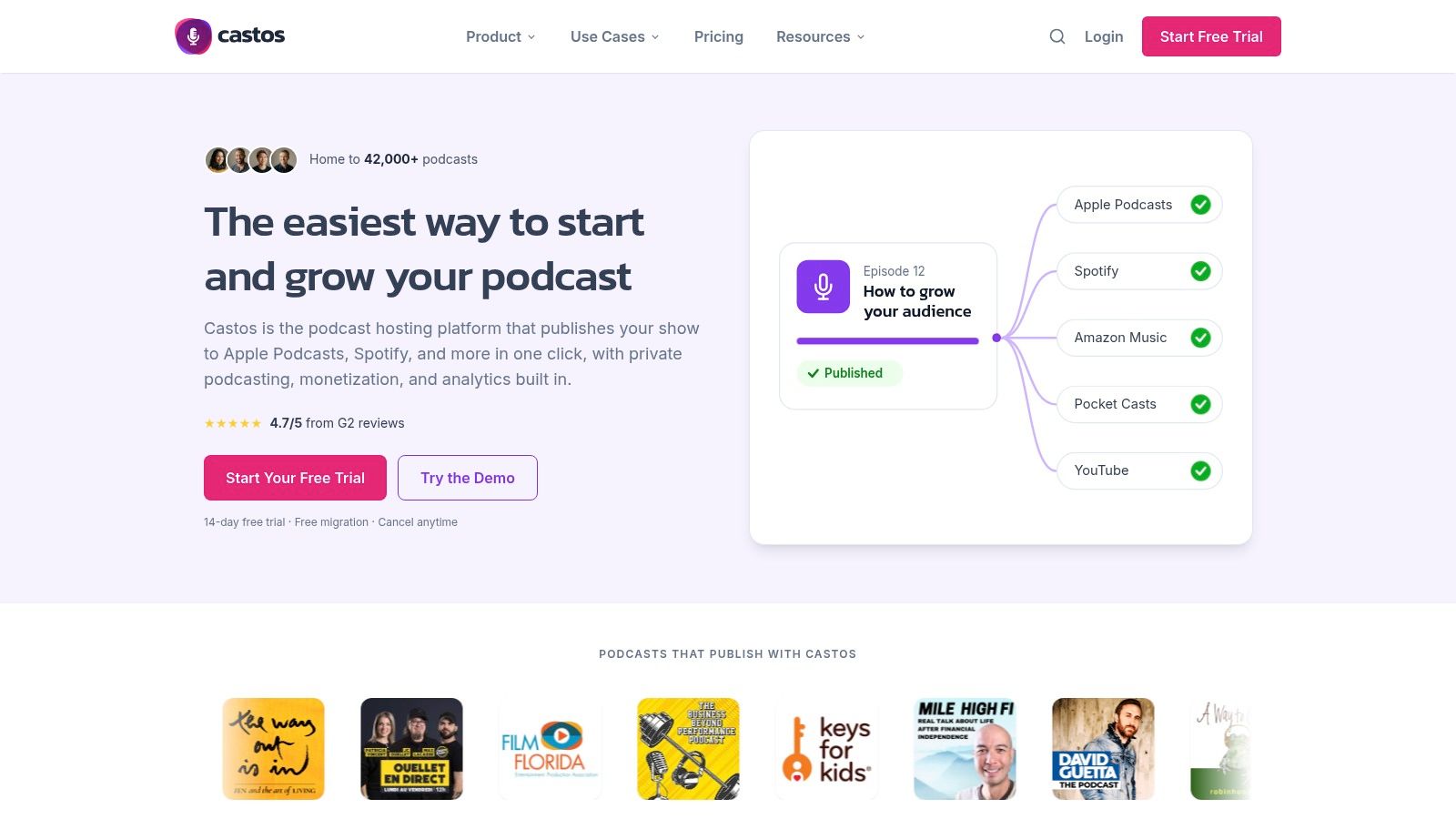
If your content team already publishes through WordPress, Castos deserves attention for Seriously Simple Podcasting, its WordPress integration. Keeping episode publishing close to the company website can be more useful than adopting another isolated dashboard.
Castos combines podcast hosting, analytics, private-podcasting options, and native video-file hosting on Pro. The relevant video route is Apple Podcasts and other directories that support video, rather than a blanket promise of native video everywhere.
WordPress convenience doesn't remove platform boundaries
The important limitation is Spotify. Castos says Spotify doesn't accept video hosted elsewhere through the described delivery route, so plan a separate Spotify video workflow rather than expecting a hosted video enclosure to become native Spotify playback.
Likewise, distinguish actual video-file hosting from tools that republish audio as a visual YouTube asset. If you recorded a multicamera interview, confirm that the connected workflow delivers that finished edit.
Strong fit: WordPress-centered publishing teams that want website and podcast administration closely connected.
Plan consideration: Native video-file hosting requires Pro.
Access consideration: Evaluate public video delivery separately from the service's private-podcast features.
Castos is especially relevant when your website is the main content hub and podcast apps provide complementary distribution. A marketing team can place the episode alongside supporting copy, guest information, and a relevant conversion path.
The trade-off is that website integration doesn't solve every external publishing task. Choose Castos for the WordPress workflow and supported video hosting, then budget staff time for destinations that require separate uploads and destination-native reporting.
8. Podigee
Podigee is worth evaluating when your main frustration is repetitive destination uploads. Its stated video distribution covers YouTube, Apple Podcasts, and Spotify, with separate delivery paths for audio and video.
That separation is a strength. Audio travels through the podcast feed to audio destinations, while supported video platforms receive video through their relevant publishing routes. It's a more useful description than treating RSS as a universal transport mechanism.
Price the workload you actually publish
Podigee's usage-dependent pricing requires more preparation than comparing headline subscription labels. Show size, video volume, number of shows, and team size can affect the comparison, so use your real publishing requirements rather than a pilot episode alone.
Routing advantage: Broad stated coverage across the main video destinations.
Workflow advantage: Fewer separate manual publishing steps where the integrations fit your account.
Evaluation requirement: Confirm destination setup, regional availability, and video-volume allowances before migration.
For a brand interview series, test the entire release rather than just successful upload. Verify the thumbnail on YouTube, native video playback on Spotify, the Apple Podcasts presentation, and audio delivery elsewhere.
Also test a correction. Replacing a file or changing a description can reveal whether an integration handles ongoing publishing or only the initial transfer.
Podigee is a promising shortlist option for distribution-led buyers, especially when reducing manual uploads matters more than combining recording and editing in the host. Its trade-off is commercial complexity: calculate the package around your operating requirements before deciding that broader routing automatically means lower total effort or cost.
9. Riverside
An interview producer working in Riverside may reasonably want to publish from the same workspace. Remote recording, editing, and hosting on eligible plans can reduce handoffs between the final cut and the published episode.
Riverside can also publish externally produced files, so the workflow doesn't have to begin with a Riverside recording. Scheduling and file replacement capabilities belong in the evaluation, particularly if your team regularly updates approved episodes.
Production consolidation isn't universal delivery
The key exception is explicit: Riverside says Spotify video must be added through Spotify for Creators. Connecting a podcast feed to Spotify doesn't remove that step.
Release ownership: Assign the Spotify video upload to a named producer. Otherwise, the team can finish publishing in Riverside while the Spotify audience still receives audio.
Riverside is most attractive when recording and post-production already occupy much of your team's workload. It can reduce tool-switching, but the hosting decision should still depend on destination coverage, account permissions, and reporting requirements.
For long or high-resolution recordings, evaluate upload requirements using the finished export you intend to publish. A successful recording session doesn't establish that the resulting file fits every hosting or destination constraint.
Choose Riverside when production convenience justifies the combined workspace. Choose a dedicated host instead when distribution administration is your primary problem and you're already happy with recording and editing elsewhere. Either way, retain a release process that names each destination and distinguishes a published audio feed from a completed native-video upload.
10. Wistia
Wistia belongs on a different kind of shortlist. Its strongest fit is a marketing team that wants branded video playback on the company website, with podcast distribution supporting that owned experience.
Customizable players and Wistia Channels help organize episodes into a dedicated viewing destination. Audio and video podcast hosting, RSS submission, and importing existing podcast content make it relevant beyond a conventional embedded video library.
Prioritize the website, then verify syndication
Wistia's website presentation shouldn't be confused with native video delivery to every podcast platform. Compatibility depends on the destination, and YouTube RSS ingestion may produce audio with static artwork, even when your original production includes video.
Use the video podcast distribution guide to plan external delivery separately from website playback. For caption preparation, the comparison of affordable AI subtitling tools for freelancers can help identify a supporting tool, but captions don't determine how the video reaches each app.
Best fit: Website-centered campaigns where player branding and the surrounding conversion experience matter.
Main strength: Managing podcast video within a broader marketing-video environment.
Main trade-off: Podcast-only teams may not need the wider platform capabilities.
For demand generation, place the episode beside a relevant resource or product journey and measure that website behavior separately from platform consumption. Don't assume embedded sessions, podcast downloads, and external video views describe the same audience action.
Wistia makes sense when your owned viewing experience is the priority. It requires more scrutiny when your primary objective is minimizing native-video publishing work across external destinations.
Video podcast hosting platforms at a glance
Read the second column as the routing map. Two hosts can both claim video support while one delivers the video file to Spotify, YouTube, and Apple Podcasts and the other sends only audio to those apps, keeping video on its own player.
Best for | Video destinations covered | Video plan requirement | Key limitation |
|---|---|---|---|
Independent creators, small teams, and podcast networks | Podbean's own player; no established video route to Spotify, YouTube, or Apple Podcasts | A plan with video uploads; monthly upload allowances cap episode volume | Frequent or long episodes may quickly use upload allowances |
Commercially oriented shows seeking a dedicated podcast host | Spotify; other destinations receive the audio feed | A plan level that supports video publishing, with storage allowances limiting total uploaded file size | Not every destination receives the video version |
Smaller teams seeking straightforward audio and video publishing | Apple Podcasts, Spotify, and YouTube | Video availability and allowances depend on plan | Video eligibility and upload limits vary by tier |
Teams wanting video publishing and monetization in one workflow | Apple Podcasts, YouTube, and supported video-capable apps | Max tier required | Spotify may require a separate workflow |
Businesses and networks managing multiple shows | YouTube, Apple Podcasts, and compatible HLS/RSS apps | Professional plan or higher | Private and unlisted podcasts are not supported for video |
Creators prioritizing Spotify video | Spotify only; other platforms receive audio via RSS | No separate paid hosting plan required | Video is not distributed to other platforms through RSS |
WordPress-centered teams needing public and private podcasting | Apple Podcasts and other video-supporting directories | Pro plan required | Spotify does not accept video hosted elsewhere, according to Castos |
Publishers seeking broad video distribution with less manual uploading | YouTube, Apple Podcasts, and Spotify | Video distribution included across the displayed plans | Usage-dependent pricing and video-volume limits apply |
Remote interview and video-first teams combining production and hosting | Connected platforms; Spotify receives audio, and Spotify video requires a separate step | Hosting requires an eligible paid plan | Spotify video requires a separate publishing step |
Marketing teams seeking branded video on company websites | Podcast directories via RSS as audio; YouTube RSS ingestion produces audio with static artwork | A Wistia plan that includes podcast channel hosting | The wider marketing-video platform may exceed what podcast-only teams need |
Two patterns stand out. Most third-party hosts can reach Apple Podcasts and YouTube with video, while Spotify video often forces a separate publishing step. Wistia runs the model in reverse: directories receive audio via RSS, and even YouTube ingestion renders static artwork rather than the video file. Count the separate-workflow rows before pricing a plan, since each one adds a manual publish step to every episode.
Choosing a Host Is a Routing Decision, Not a Feature Contest
Start with your destination list, not a pricing page. Write down Spotify, YouTube, Apple Podcasts, your website, and the audio apps that matter to your audience. For each destination, specify whether you require native video, audio, an embedded player, or promotional clips.
Discovery deserves particular attention. Edison Research's Top Findings of 2025 identified YouTube as the service used most often by 32% of U.S. weekly podcast consumers, compared with 25% for Spotify. That makes a missing YouTube video route an operational decision to address, not a minor feature omission.
Test a release before moving the show
Use a representative episode with the actual export, thumbnail, description, and captions you intend to publish. Verify playback inside the destination apps rather than stopping when the host reports a successful upload.
Confirm the format: Check that viewers receive moving video, not artwork over audio.
Confirm the fallback: Listen to the audio version without watching, including introductions, visual references, and calls to action.
Confirm maintenance: Test metadata changes, file corrections, scheduling, and the process for removing an episode.
Confirm ownership: Keep access to channel accounts, master files, captions, artwork, and exportable reporting.
Then compare plans against the workflow you've proved. Podigee and Buzzsprout merit evaluation for their stated destination coverage. Transistor and RSS.com may fit teams comfortable managing a Spotify exception. Spotify for Creators is a native endpoint, Riverside emphasizes production convenience, and Wistia prioritizes branded website viewing.
Measure the episode without flattening the formats
Maintain a consistent internal episode identifier across the host, video platforms, clips, and campaign links. Report audio downloads, video views, watch time, website sessions, and attributed conversions separately. Adding unlike metrics together doesn't establish unique reach or business impact.
Also separate software selection from staffing. Someone still needs to manage recording, approvals, guest coordination, destination checks, channel presentation, clips, promotion, and reporting. If your team can't own those tasks reliably, a production partner can manage the complete workflow instead of leaving you to coordinate disconnected tools.
The right host is the one whose routing matches your publishing plan and whose exceptions your team can manage. Choose the system that gets the intended format to the intended audience, then build a release process around the work it doesn't automate.
Podmuse produces and manages video podcasts end to end, including guest booking, recording, editing, channel setup and branding, YouTube channel management, YouTube ad campaigns, and reporting. We publish video to YouTube, Apple Podcasts, and Spotify, audio to the other major podcast apps, and social clips to YouTube Shorts, Instagram, TikTok, and LinkedIn. Visit Podmuse for a free consultation to map your destinations and plan the production and publishing workflow.
Comments