
10 Best Podcast Video Editing Software Options

You've recorded a good conversation, the cameras stayed in sync, and now you're staring at three raw files, a publishing deadline, and a social calendar with nothing in it. That's the decision in front of you. You're not just picking an editor, you're choosing between two jobs, producing a polished full length episode and turning one recording into a repeatable stream of clips.
The best podcast video editing software for your team depends on your recording setup, editing skill, publishing cadence, and how much post production you can maintain week after week. A solo host needs speed. A branded B2B show needs review controls, clean captions, and consistent graphics. A studio needs timeline precision.
This isn't an optional upgrade anymore. Edison Research's 2025 podcast consumer data reported that 51% of Americans aged 12 and older had ever consumed a video podcast, 37% were monthly consumers, and 26% consumed weekly. Your editor now affects discoverability, not just polish.
Below are 10 options organized by production job, from transcript led cutting and remote recording to desktop finishing and short form repurposing. Pick for the output you must ship, not the longest feature list.
Table of Contents
1. Descript
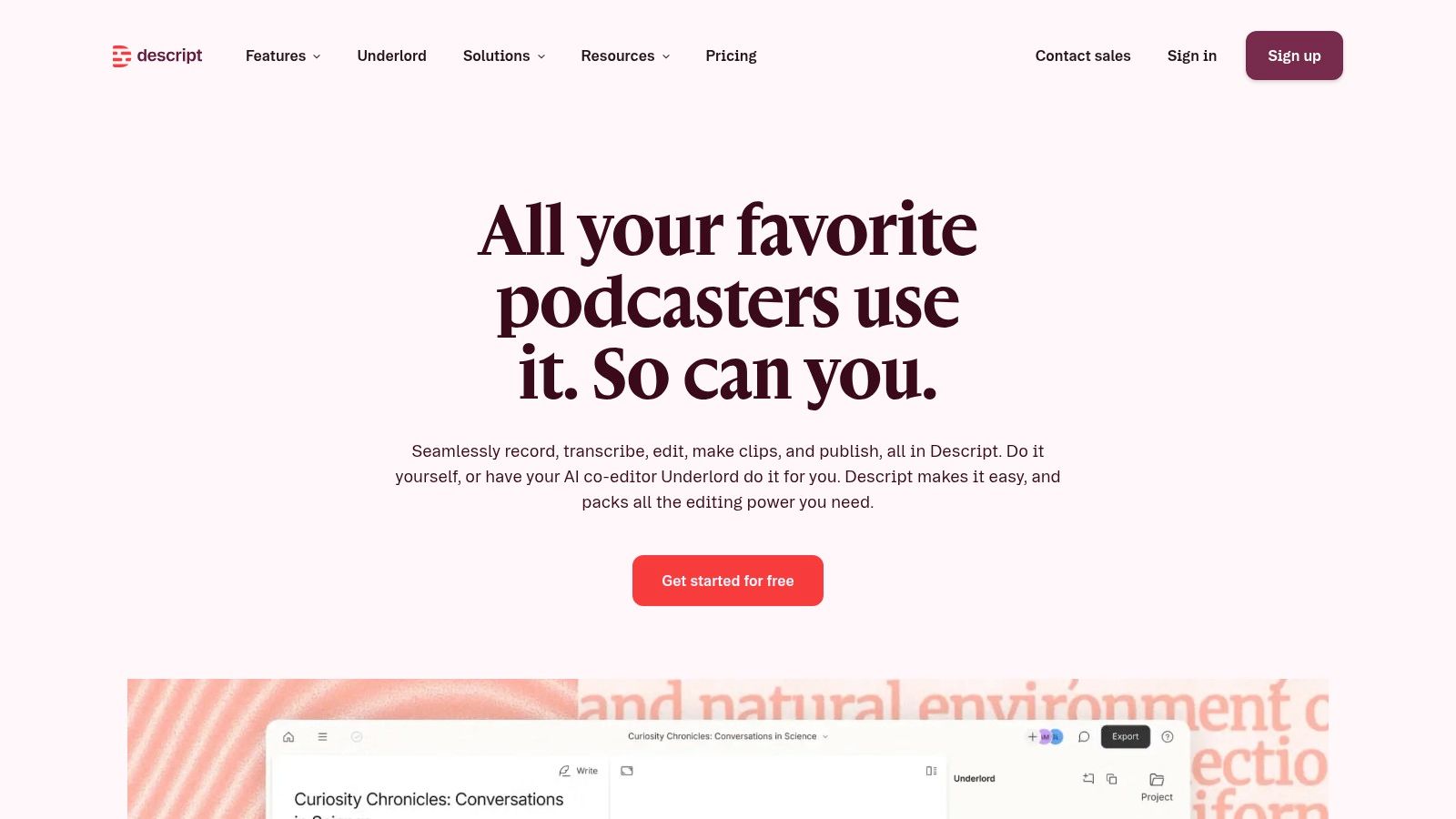
If you think in sentences, not waveforms, start with Descript for podcasting. You edit audio and video by editing the transcript, so cutting a digression feels like deleting a paragraph. For interview and conversation led shows, that's the fastest route from raw recording to a credible first cut.
What It Handles Well
Transcript based editing: Cut, move, and search dialogue as text.
AI cleanup tools: Remove filler words, apply Studio Sound, and generate clips.
Publishing and exports: Publish to YouTube, with paid plan exports up to 4K depending on tier.
A free plan lets you test the workflow before you commit, and paid plans expand media hours, AI tools, and export options. That trial matters because transcript editing either clicks immediately or it doesn't.
Don't force it if you need frame accurate timeline control. Descript can make dialogue cuts faster, but precise editors often find the text first model limiting for complex visual work. Media hours and AI credits are also capped by plan, so high volume teams should map their monthly episode load before buying. For most solo hosts and small marketing teams, it's still the clearest recommendation.
2. Riverside
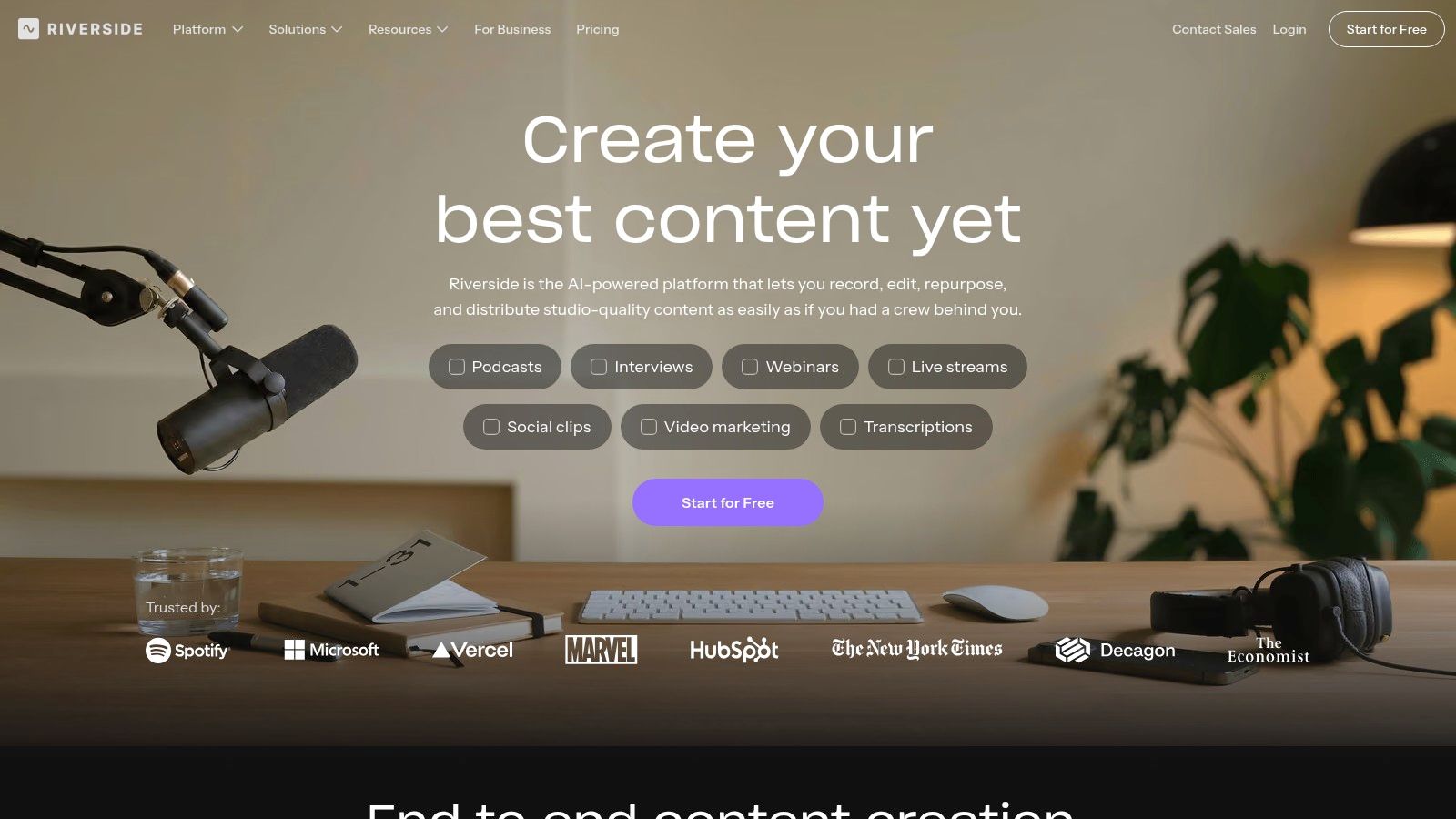
Remote guests are where Riverside earns its place. It records separate audio and video tracks for each participant, then moves you straight into editing and clip creation. You don't download, re upload, and hand files between three tools before anyone can make a cut.
That matters for executive interviews and customer stories, where one speaker is quiet, another is loud, and you need to adjust them independently. If you're comparing recording first platforms, this guide to the best video podcast software options for remote production puts Riverside in its proper context.
Separate track recording: Fix one guest without damaging the whole mix.
Two editing modes: Work from the transcript or drop to the timeline.
Finishing tools: Add branding, captions, overlays, and AI generated clips.
A free plan is available, but free recordings have limits, including a watermark and lower video quality. Paid recording allowances vary by tier, so check hours against your cadence.
Practical rule: Choose Riverside when recording quality is your bottleneck, not when you need deep timeline finishing.
For distributed B2B teams, fewer handoffs usually beat more features.
3. Zencastr
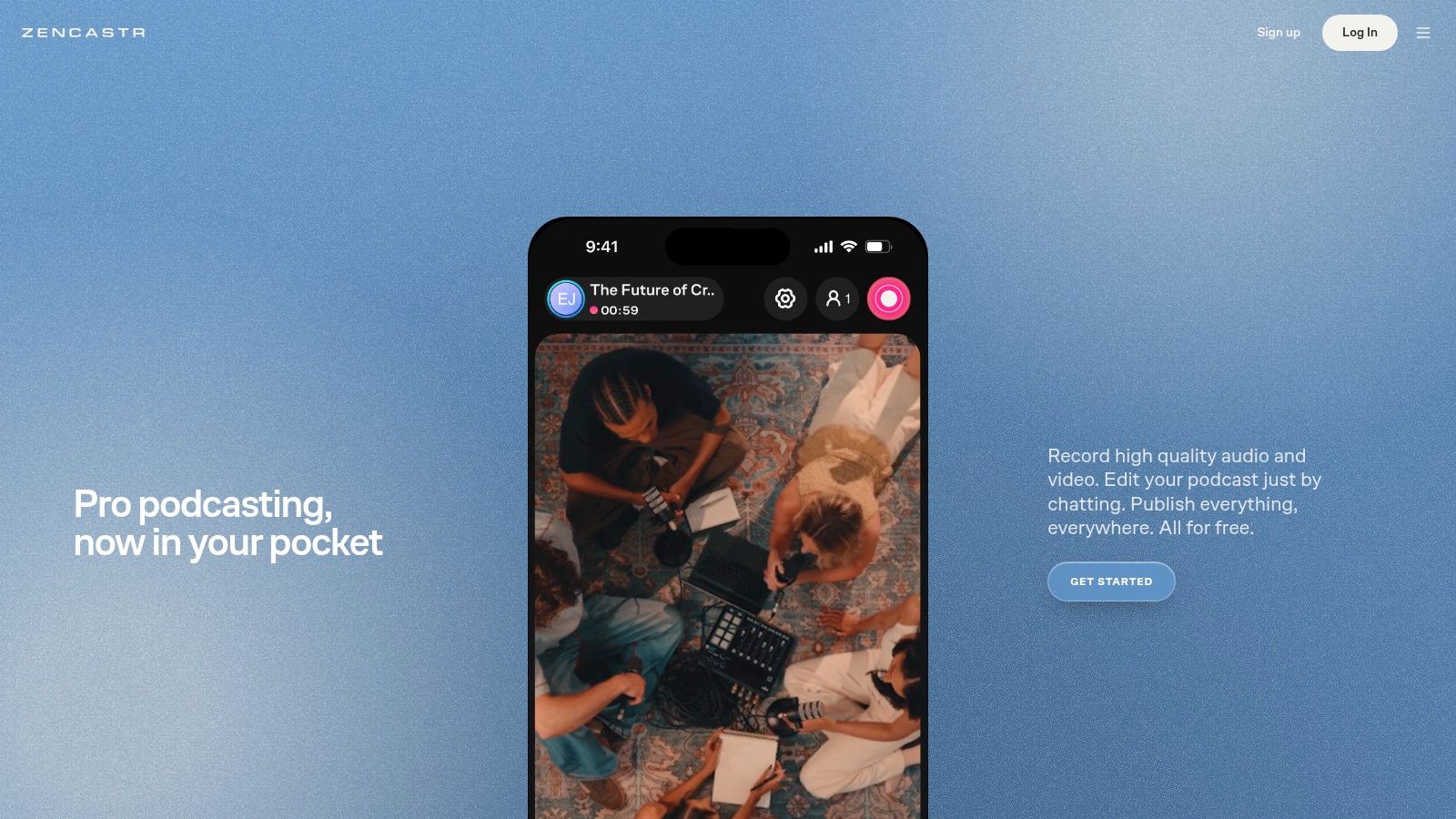
Zencastr tries to cover the whole episode lifecycle, recording, editing, and publishing in one place. It records separate audio and video tracks, then gives you both text based and multitrack editing, which is useful when a producer wants speed but still needs control over individual speakers.
Where It Fits
The feature set is podcast specific, not adapted from a general video tool. You get filler word and pause removal, captions, video layouts, hosting, analytics, and social publishing features. For a small team that doesn't want to maintain a separate host and editor, that consolidation is attractive.
The listed free plan includes many recording, editing, and publishing functions. Don't assume that means unlimited production. Some editing and cleanup workflows depend on post production credits, and transcript based editing is listed for a limited set of languages. Check both before you build a weekly process around it.
My take is direct. Pick Zencastr if you want an all in one podcast platform and you're willing to work within its credit model. Pick Riverside if remote recording quality is the priority, and pick Descript if transcript cutting is the whole point. Zencastr sits between them, and for lean teams that middle ground can be exactly right.
4. Adobe Premiere
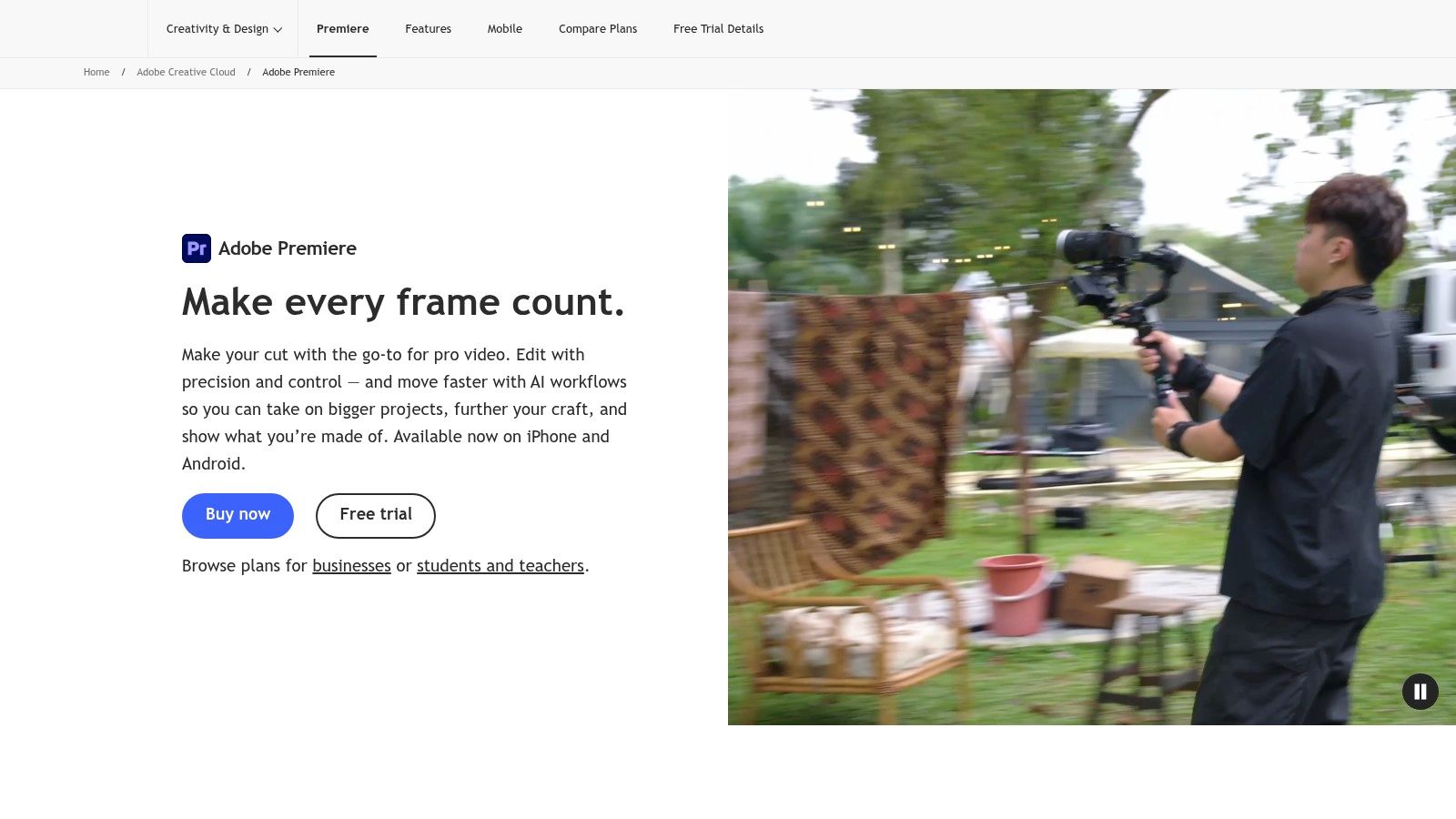
When an episode has to look branded, timed, and finished, Adobe Premiere is the professional default. It's a full featured video editor with detailed control over trimming, effects, titles, color work, and audio mixing, plus AI assisted workflow tools and Frame.io integration listed in the plan comparison.
That control comes at a cost in learning time. Premiere isn't podcast specific, so recording, transcription, and publishing may require other tools, and it offers less podcast automation than interview focused platforms. If your team is deciding whether that effort is justified, this overview of video podcast production workflows and delivery requirements helps frame the trade off.
Detailed finishing: Precise picture, sound, titles, and delivery formats.
Creative Cloud ecosystem: Connect graphics, audio, and motion design work.
Trial access: A seven day free trial is listed for the individual plan.
The U.S. plan page lists $22.99 per month for the annual plan billed monthly, and subscription costs continue over time. Pay it when you have an editor who'll use the depth. Don't buy Premiere to remove a few silences, that's expensive overkill for a job Descript handles faster.
5. DaVinci Resolve
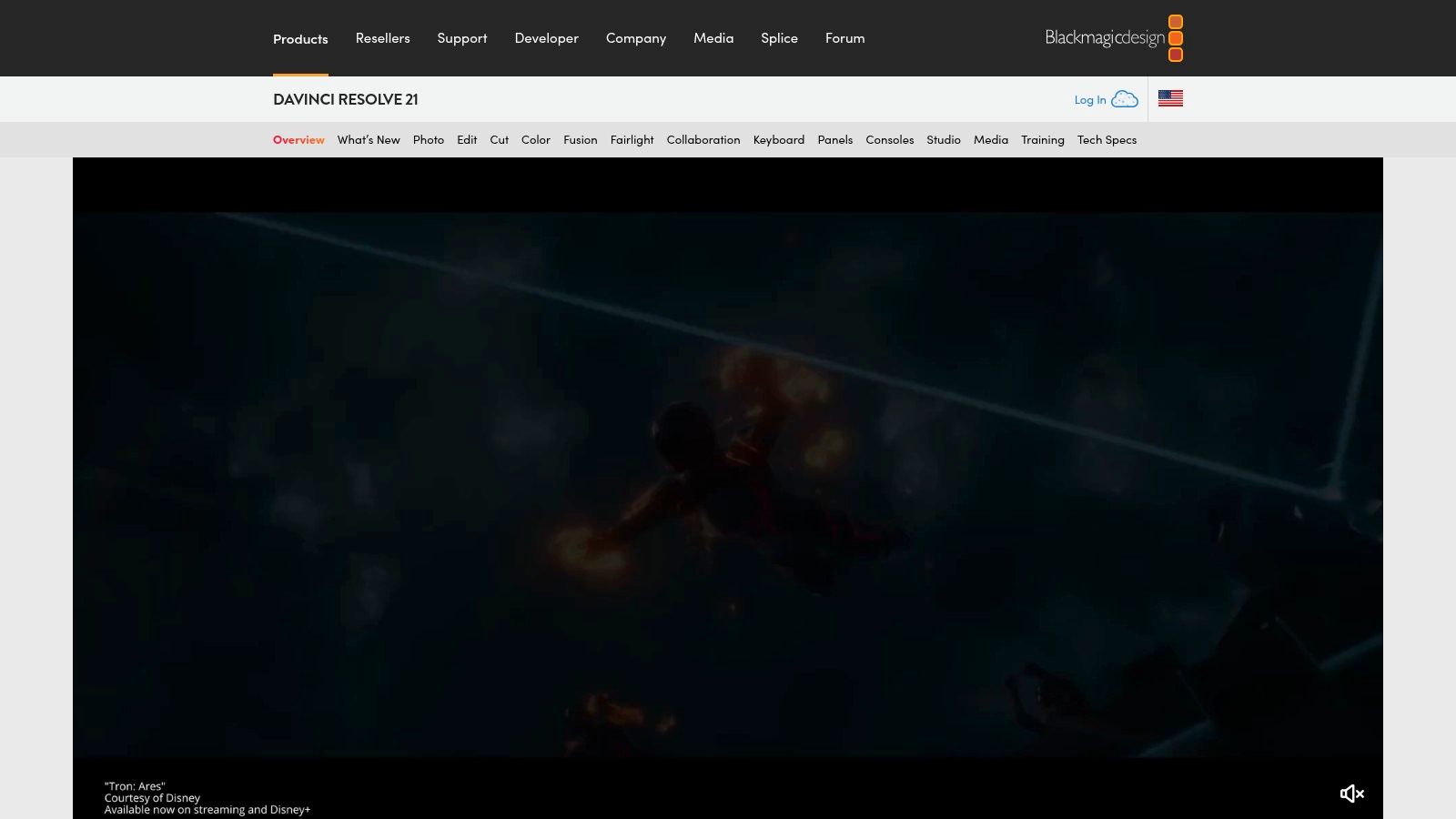
DaVinci Resolve is the strongest argument against paying a subscription forever. This desktop suite combines video editing, color correction, visual effects, motion graphics, and audio post production for Mac, Windows, and Linux. The free version supports up to Ultra HD 3840×2160 at up to 60 fps and already covers most podcast finishing needs.
Studio adds text based editing, advanced AI tools, and expanded format support. It's listed at $295 as a one time purchase, which changes the math for studios producing every week.
The Honest Catch
Resolve is more complex than podcast oriented editors, especially for beginners. You'll need a capable computer and real learning time, and that investment only pays off if color, sound, and graphics quality are part of your brand promise.
The market context supports investing in proper post production when video is central. Grand View Research's podcast production technology market report valued the global market at approximately $2.8 billion in 2025, with software and platforms at 56.7% of revenue. Treat that as directional, not precise, but the direction is clear. If you've got editing skill in house, Resolve gives you studio control without a monthly bill.
6. Final Cut Pro
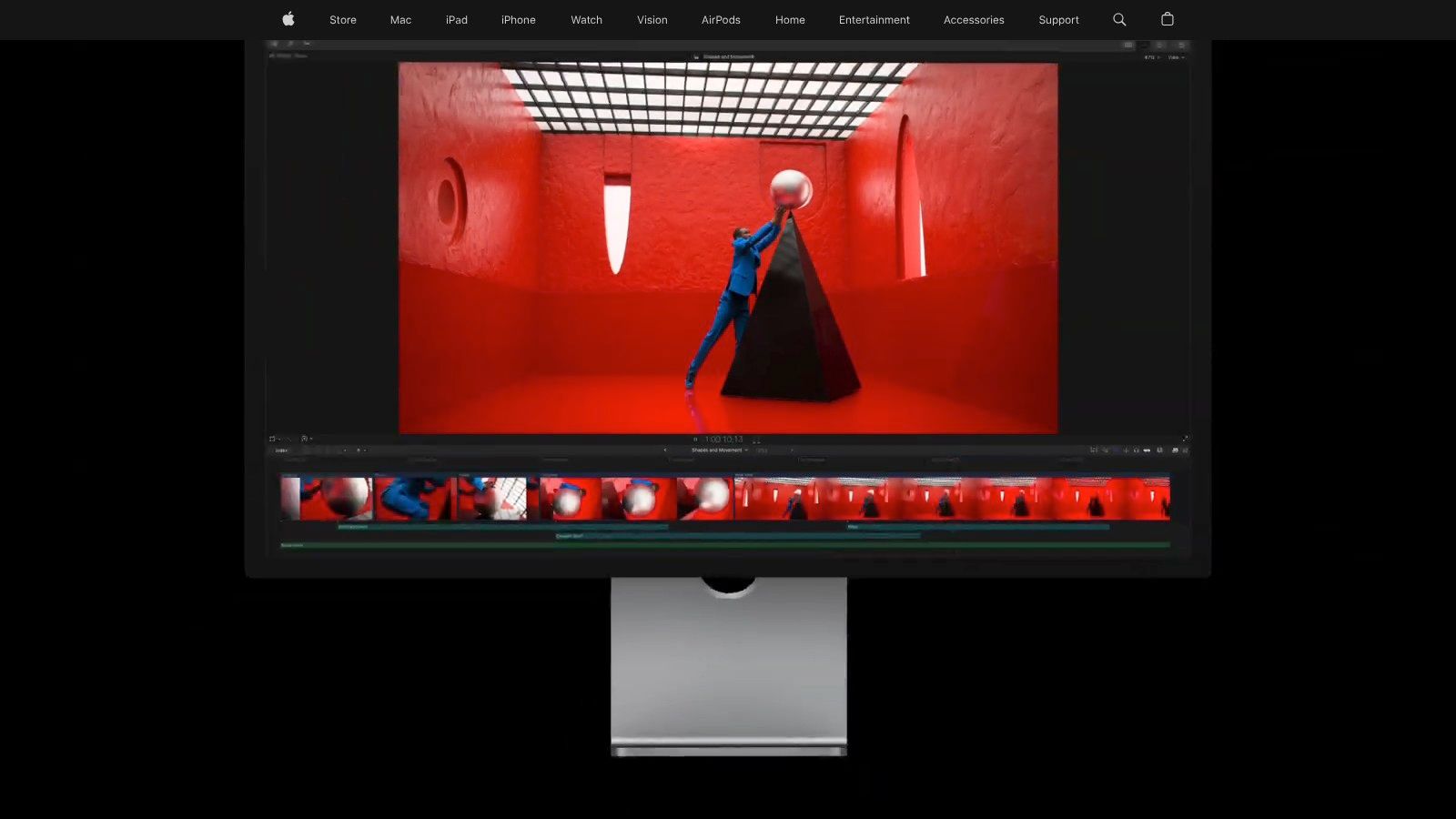
Apple describes Final Cut Pro for video podcast production, and Mac centered teams should take that seriously. Its Magnetic Timeline and media organization tools handle long form episodes well, while AI generated captions and Smart Conform help you produce alternate aspect ratios for social versions without rebuilding the edit.
You also get audio editing and noise reduction tools in the same application, available for Mac and iPad. For a team already living in Apple's ecosystem, that integration removes friction you don't notice until it's gone.
Long form plus social: Cut the full episode, then conform vertical or square versions.
Flexible purchase: Apple lists $299.99 as a one time Mac purchase.
Subscription route: Access through Apple Creator Studio starts at $12.99 per month.
If your whole production team is on Mac, Final Cut Pro is often the fastest professional timeline you'll actually enjoy using.
The limits are simple. There's no Windows version, some premium content is subscription only, and it's excessive if you only need basic cuts and captions. Don't buy a professional timeline to do a browser tool's job. Buy it when episode finishing and repeatable social versions are weekly work.
7. CapCut
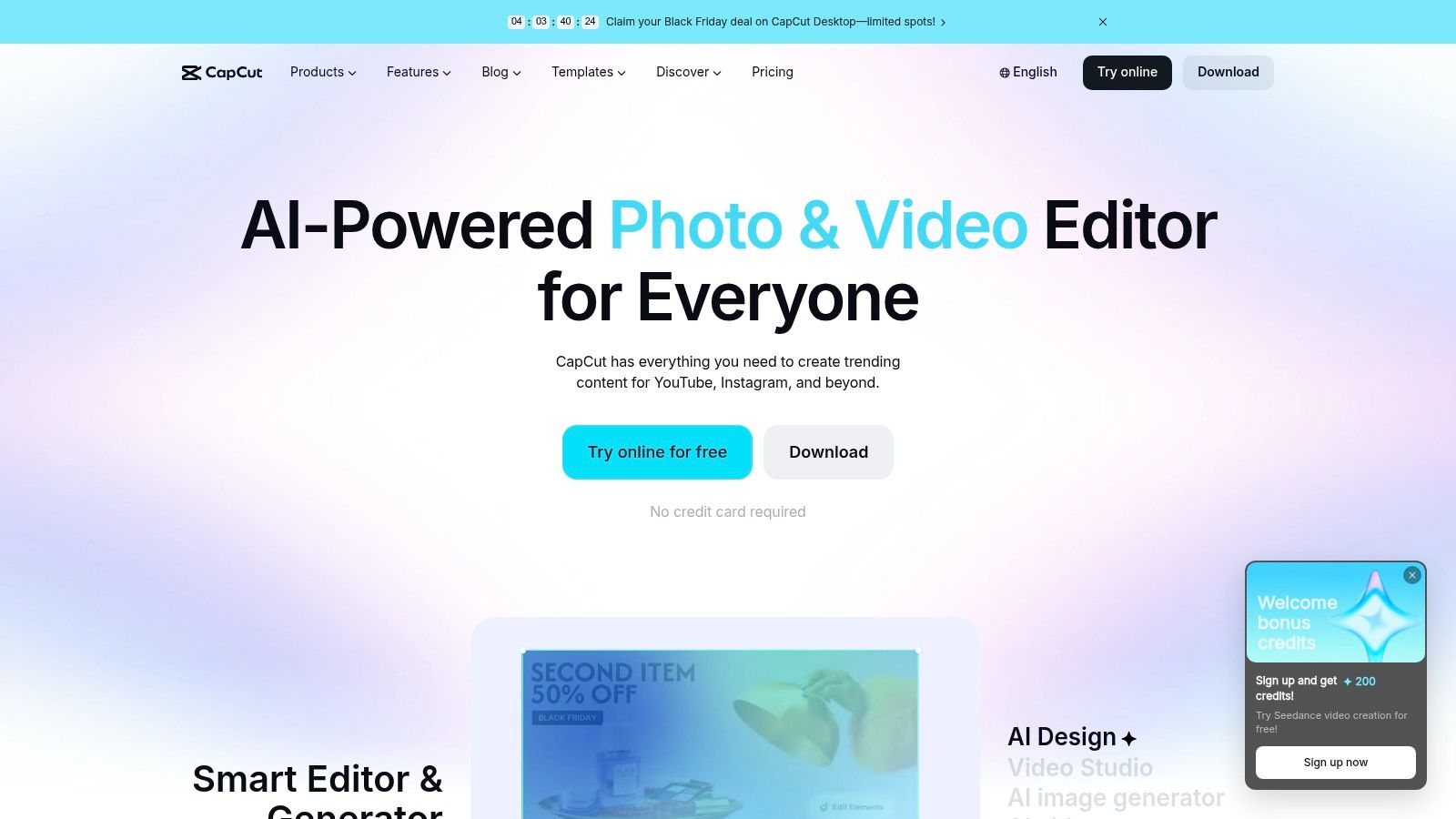
CapCut isn't where I'd finish a flagship episode. It's where I'd make the clips that get people to watch it. This accessible editor is oriented toward short form content, with templates, AI features, and web, desktop, and mobile options that suit fast social production.
That focus matches how creators distribute now. A 2026 Castos survey of 99 podcast creators found 82% of creators making video published on YouTube and 46% distributed clips to social platforms. It's a small, creator focused sample, so don't treat it as market share, but it confirms clips aren't an afterthought.
A free plan covers basic editing tools and templates. Paid tiers add AI features, premium templates, and storage, though pricing and availability can vary by region and device.
If you're still building your basic process, pair this with a practical walkthrough on how to edit a podcast from raw recording to publishable episode, then use CapCut only for the derivative work.
Best job: Fast, social ready clips without a complex suite.
Wrong job: Detailed, long form, multitrack podcast finishing.
Use it as a specialist, not your only editor, and it'll serve you well.
8. Wondershare Filmora
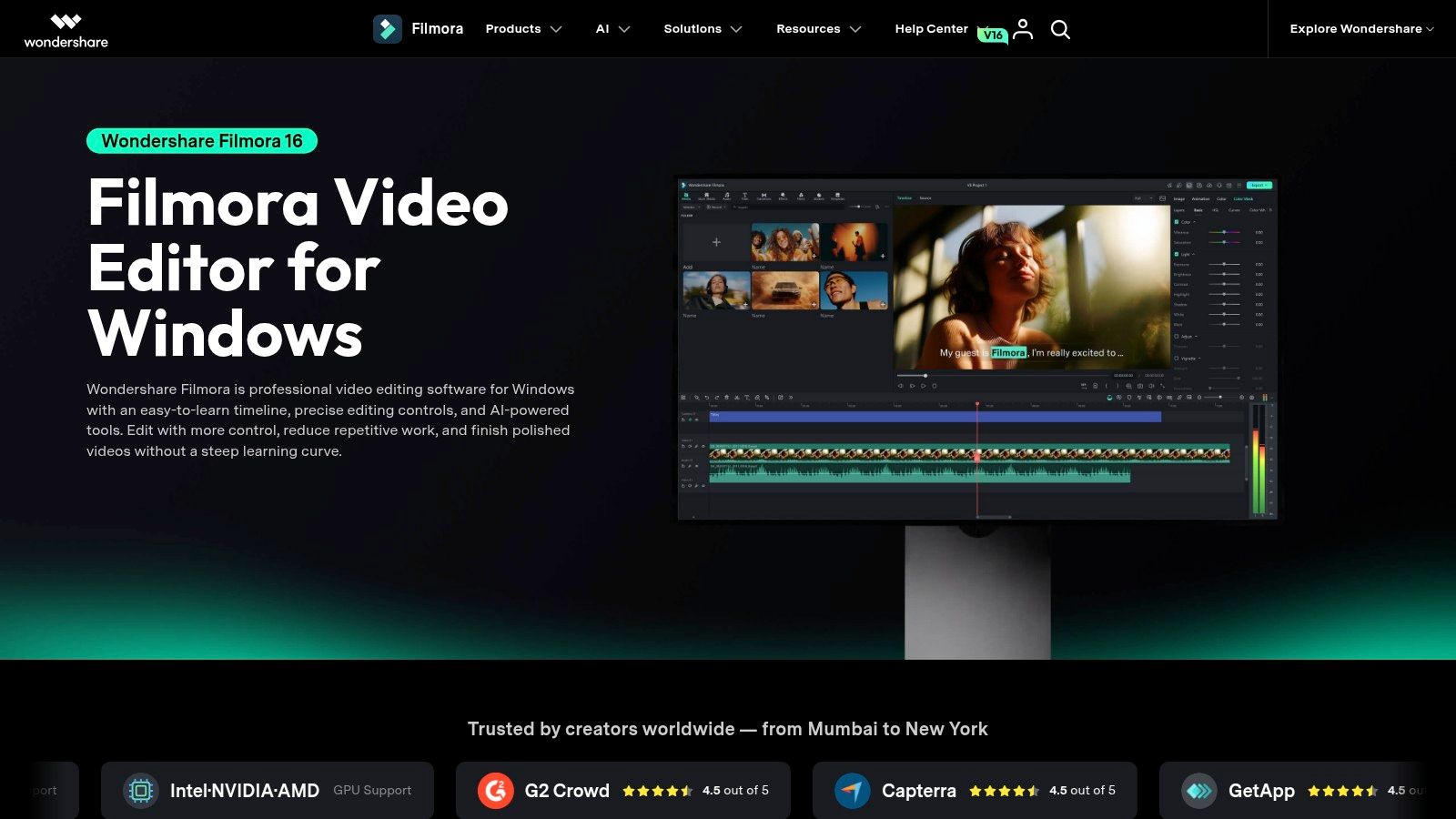
Some teams don't want Descript's transcript model and don't need Premiere's depth. Wondershare Filmora sits deliberately in that middle ground. It's a general purpose editor for assembling podcast episodes and promotional videos, with titles, effects, audio tools, captions, short clip features, and 4K export.
Why Teams Choose It
AI tools include speech to text, smart short clips, and scene cut detection, so you can move from episode assembly to promotional cuts in one application. Business plans list commercial use rights and multi user controls, which matters when a marketing team, not a solo creator, owns the show.
The official store lists annual plans from $49.99 per year and a $79.99 perpetual plan, though prices may vary by version and offer. Note that the perpetual license doesn't include future major versions, and some assets and creative tools require separate subscriptions or add ons.
Be clear about what it isn't. Filmora isn't designed for podcast recording or transcript led editing, so remote interviews still need a capture tool upstream. Choose it when you want approachable timeline editing, a perpetual license option, and enough AI assistance to move quickly. That's a sensible, unspectacular choice, and sensible choices ship episodes.
9. VEED
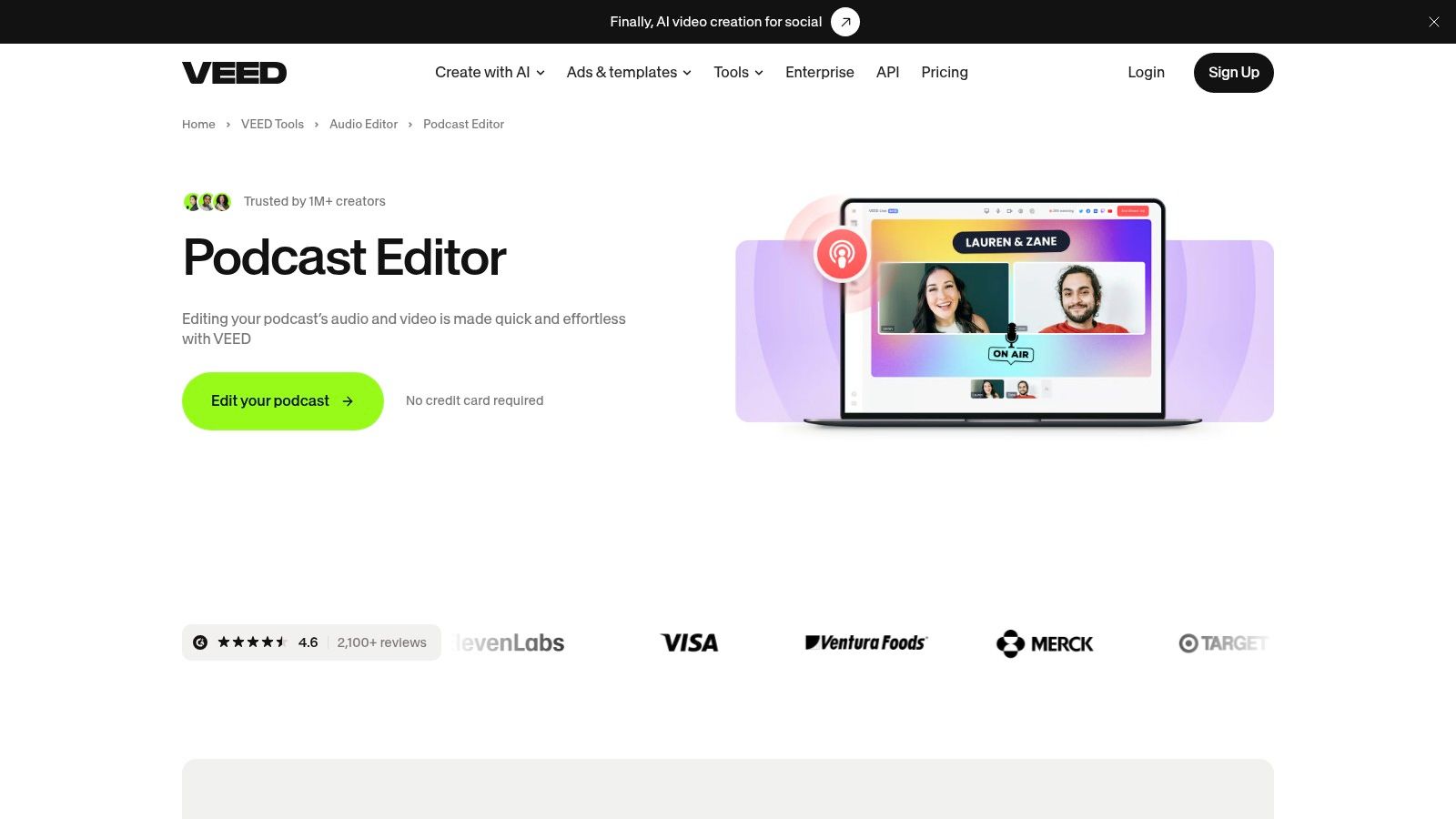
Distributed teams often care less about maximum control than about whether anyone can open the project. VEED's podcast editor runs in the browser, so there's no desktop install to manage and no single machine holding the only project file.
Its timeline tools cut, trim, split, and rearrange media, and its AI tools cover clips, subtitles, speaker framing, and audio cleanup. Recording tools are included too. The podcast editor page reports a 4.6 rating from more than 2,100 reviews, and it directs users to the pricing page rather than stating a plan price, so check current limits before you commit.
Cloud collaboration isn't a nice extra at scale. You need browser based review, clear permissions, and clean handoffs between producers, editors, and clients when one recording becomes a YouTube master, an audio feed, and several vertical clips.
Collaboration first: Online access simplifies review across locations.
Repurposing built in: Captions and social clip tools live beside the edit.
Premium cleanup: Some features, including one click audio cleanup, require a subscription.
VEED won't replace a professional desktop editor for detailed post production. It will keep a small, distributed team moving, and that's often the actual problem.
10. OpusClip
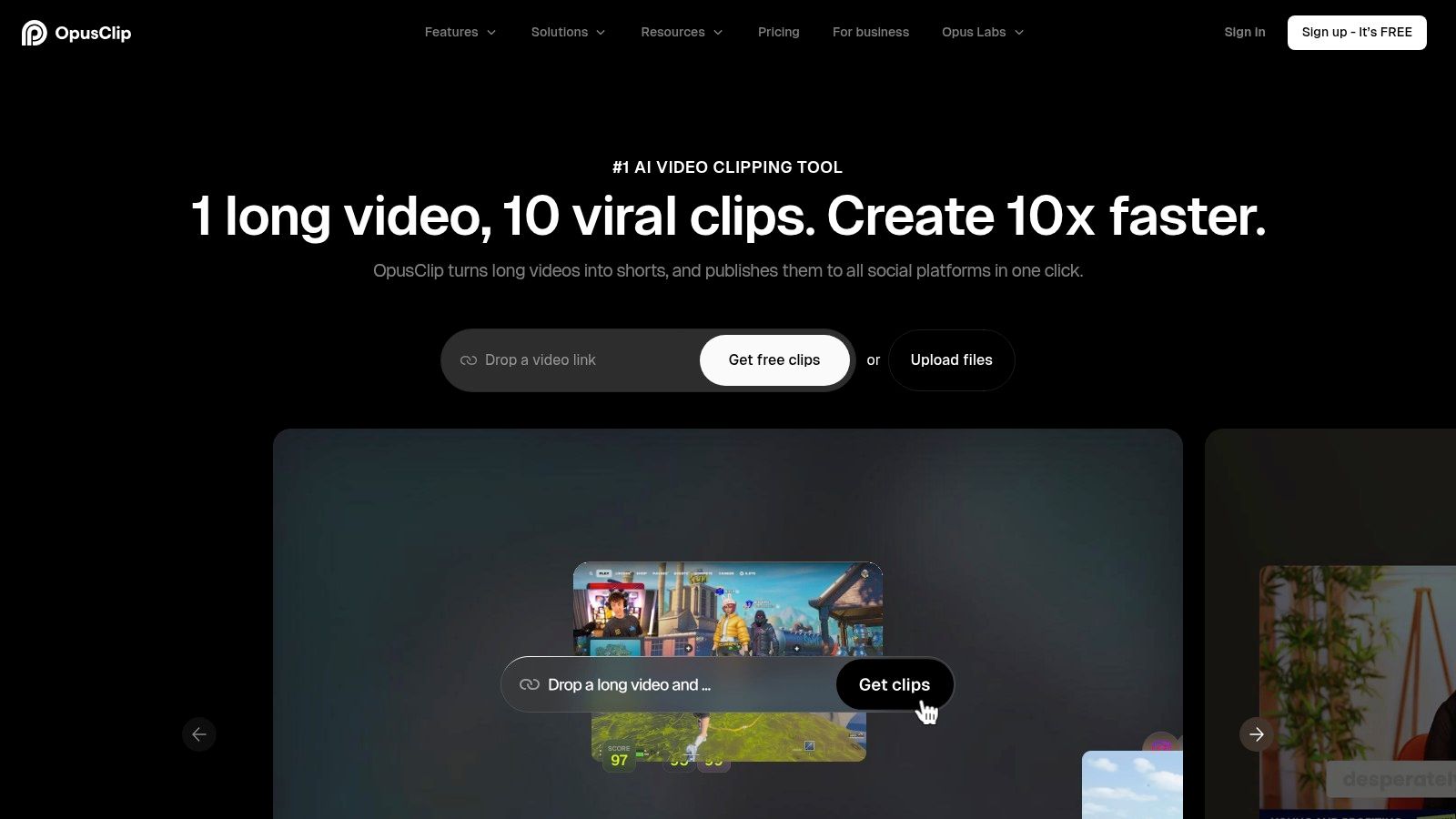
OpusClip is not a full episode editor, and judging it as one misses the point. It analyzes longer videos, identifies potential highlights, and builds short clips with captions, reframing, and branding. Used after your primary editor, it turns one finished episode into a week of social assets.
It imports from sources including YouTube and, on higher tiers, Riverside and other platforms, with social scheduling and team workspace features. A free plan or trial path is available, while paid tiers add capacity. Monthly credits or processing limits may constrain high volume teams, so estimate your clip volume first.
The Review Risk You Can't Skip
AI selected highlights need human review for context, accuracy, and brand fit. That isn't cautious filler. Alitu's Independent Podcaster Report 2025, surveying 558 independent creators, found 33% of video podcasters used AI assisted editing versus 24% of audio only creators. Adoption is higher in video, but an automated cut can still change a speaker's meaning or mislabel who said what.
For executive interviews, financial topics, healthcare, or technical claims, verify speakers, sample captions, and get subject matter approval. OpusClip saves discovery time. It doesn't remove editorial responsibility.
Top 10 Podcast Video Editing Software Comparison
Tool | Best Suited To | Core Features | Unique Advantage | Price / Value | Consideration |
|---|---|---|---|---|---|
Descript | 👥 Interview and conversation-led shows | ★ Transcript-based audio/video editing, AI cleanup, clips | ✨ Edit dialogue by editing the transcript | 💰 Free plan; paid tiers add capacity and tools | Media hours and AI credits are plan-limited |
Riverside | 👥 Remote interviews and distributed teams | ★ Separate-track recording, transcript and timeline editing, clips | ✨ Recording and editing in one service | 💰 Free plan; paid tiers add recording capacity | Free recordings have quality and watermark limits |
Zencastr | 👥 Teams seeking an all-in-one podcast workflow | ★ Remote recording, editing, hosting, analytics | ✨ Combines multitrack and transcript workflows | 💰 Free plan listed; paid limits vary | Some post-production uses credits |
Adobe Premiere | 👥 Editors creating polished, branded episodes | ★ Detailed video, audio, titles, and color control | ✨ Integrates with Adobe's creative suite | 💰 $22.99/month annual plan, billed monthly; 7-day trial | Steeper learning curve; recording and publishing need other tools |
DaVinci Resolve | 👥 Advanced editors needing finishing control | ★ Video, color, effects, motion graphics, and audio | 🏆 Powerful free version; Studio adds advanced tools | 💰 Free; Studio $295 one-time | Complex for beginners; benefits from a capable computer |
Final Cut Pro | 👥 Mac-based creators producing full episodes and social edits | ★ Editing, captions, audio tools, alternate aspect ratios | ✨ Smart Conform and Magnetic Timeline | 💰 $299.99 one-time for Mac; Creator Studio from $12.99/month | Mac and iPad only |
CapCut | 👥 Creators making short-form social clips | ★ Templates, basic editing, AI tools; web, desktop, and mobile | ✨ Accessible workflow for quick clips | 💰 Free plan; subscription pricing varies | Less suited to detailed long-form editing |
Wondershare Filmora | 👥 Beginners and small teams producing episodes and promos | ★ Effects, titles, captions, 4K export, AI tools | ✨ Perpetual license and business options | 💰 From $49.99/year; $79.99 perpetual plan listed | Not podcast-specific; some assets cost extra |
VEED | 👥 Distributed teams editing in a browser | ★ Timeline editing, captions, cleanup, and clips | ✨ Browser-based workflow with recording tools | 💰 Pricing varies; some tools require premium | Less suited to advanced desktop post-production |
OpusClip | 👥 Teams repurposing episodes for social media | ★ AI highlight clips, captions, reframing, scheduling | ✨ Turns long recordings into short clips | 💰 Free plan or trial; paid tiers add capacity | Clips need human review; not a full-length editor |
Choose a Workflow You Can Finish Every Week
Start with the output your team must reliably deliver, then work backward to the tool. If that's a simple remote interview published twice a month, Riverside or Zencastr will get you there with the fewest handoffs. If it's a polished, branded full episode, you need a real timeline, and that means Premiere, DaVinci Resolve, or Final Cut Pro, plus someone who knows how to use it.
Solo podcasters will usually get the fastest results from a transcript led or browser based tool. Descript for dialogue cutting, VEED for distributed review, and CapCut or OpusClip for clips is a stack one person can run. In house marketing teams benefit from a connected recording and editing platform because their bottleneck is coordination, approvals, and brand consistency, not raw editing features.
Don't confuse uploading a recording with having a video strategy. Forbes reporting on video podcasts in 2024 noted YouTube was selected by 30% of surveyed U.S. podcast users as their preferred platform, narrowly ahead of Spotify at 29%. That audience expects pacing, chapters, captions, and framing built for viewing, not an audio episode with a camera attached.
The retention data makes the same point more sharply. Inside Audio Marketing's 2025 podcast marketing analysis, covering 311 podcasters and 3.7 billion downloads, reported median YouTube podcast view duration of 7.5 minutes compared with 24 minutes for audio. Edit the full episode for retention, cut context complete vertical clips separately, and don't assume one export serves every platform.
Measure what the edit produces, not just how fast you made it.
Time to first cut: How quickly a producer can review something real.
Usable clips per episode: Finished, accurate clips, not raw AI suggestions.
Caption and speaker accuracy: Errors here become brand and compliance problems.
Export consistency: The same episode, correctly formatted, every single week.
Good editing judgment still sits underneath every tool on this list, and these practical video editing tips for creators are worth applying whatever you choose. Software removes friction. It doesn't decide what to cut.
Be honest about your real constraint. If it's software access, buy the tool that matches your job and learn it properly. If it's time, coordination, or consistent brand execution across YouTube, Spotify, audio feeds, and social, adding another subscription won't fix it. That's when hiring an agency such as Podmuse for end to end production, post production, distribution, and promotion is the more practical investment.
Pick the smallest workflow that produces credible results, run it for a full season, and only add complexity when the output earns it. The best podcast video editing software is the one your team finishes episodes with, every week, without drama.
If editing, captions, clips, and multi platform delivery are eating the time your team should spend on guests and growth, Podmuse can handle podcast production and video post production end to end, from raw footage to platform ready episodes and promotional assets. Visit Podmuse to talk through a production workflow built around your publishing cadence.

Comments